

Spectrum TV

Spectrum TV App Info
-
App Name
Spectrum TV
-
Package Name
com.TWCableTV
-
Developer
Charter/Spectrum -
Category
Entertainment -
Updated
2026/04/10
-
Version
9.100.0.257113276.release
1. Spectrum TV App Usage Overview
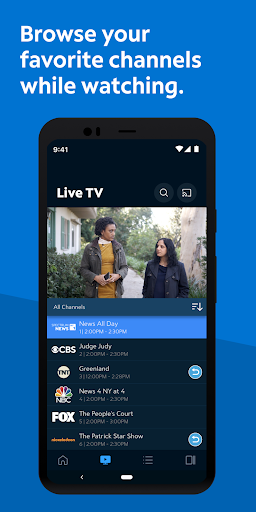
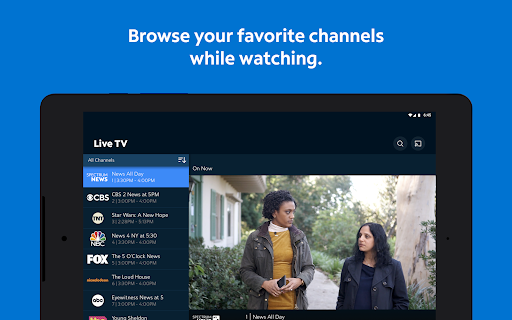
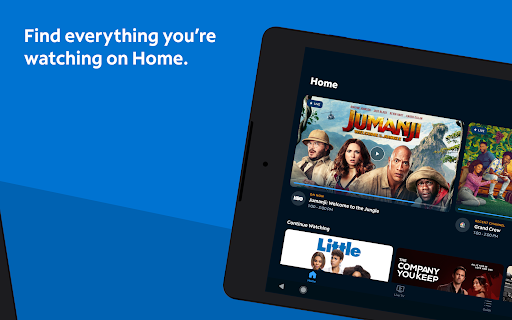
📺 Spectrum TV turns your phone or tablet into a live-TV and On Demand hub, whether you’re at home, at work, or traveling.
⚡ You can stream live channels anywhere you have a connection, making it easier to keep up with sports, news, and entertainment across devices.
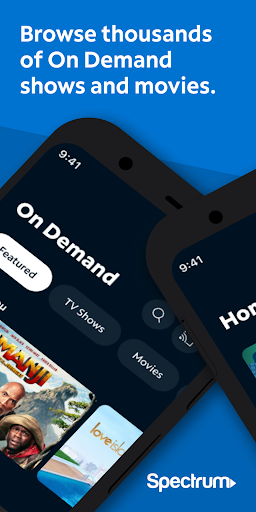
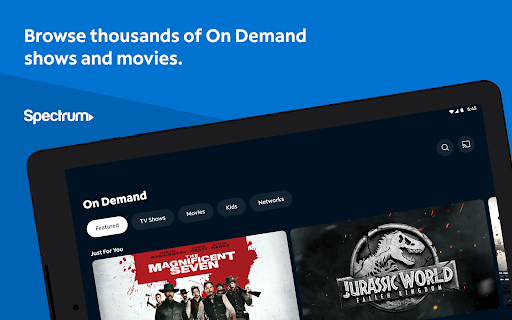
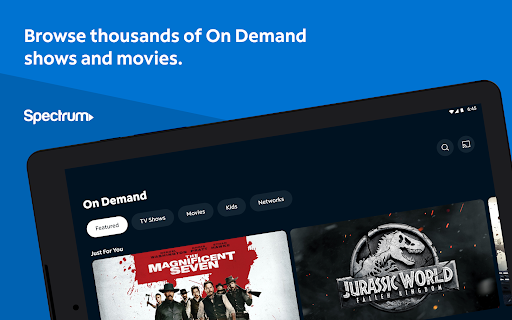
🧭 Thousands of On Demand shows and movies are available, which supports subscription-style viewing without needing to switch cable inputs.
📡 The app also supports casting, so you can send content from your phone or tablet to a compatible TV with Chromecast.
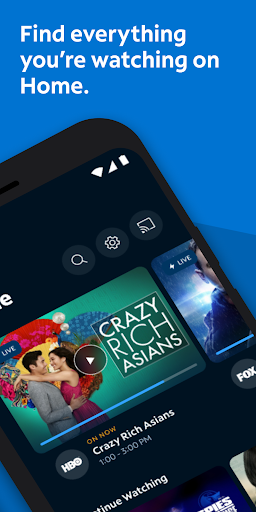
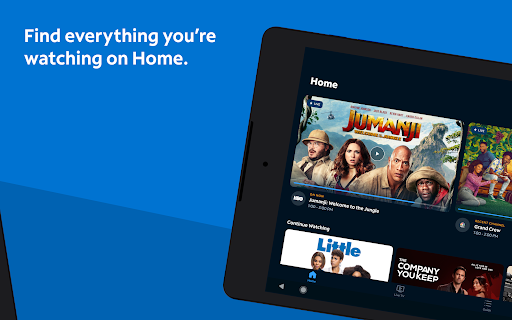
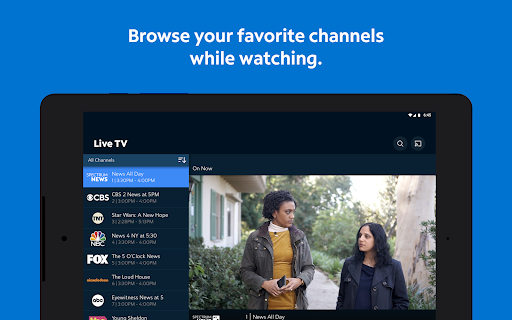
📌 To personalize viewing, you can create a customized guide by setting favorite channels that appear quickly when you open the app.
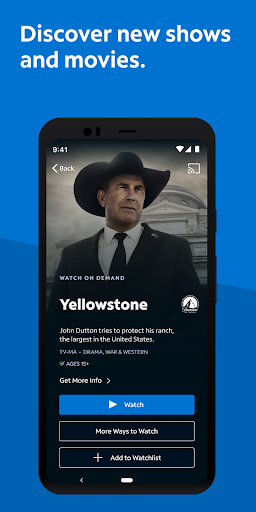
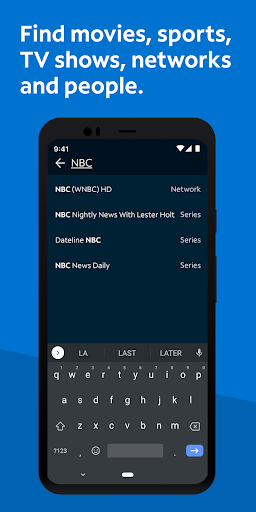
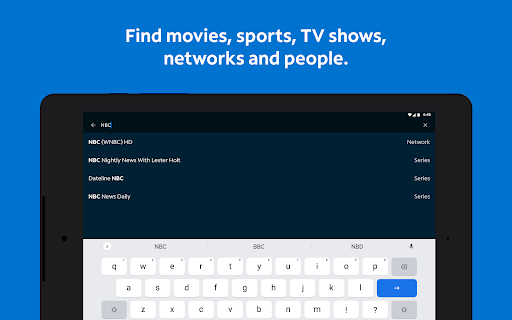
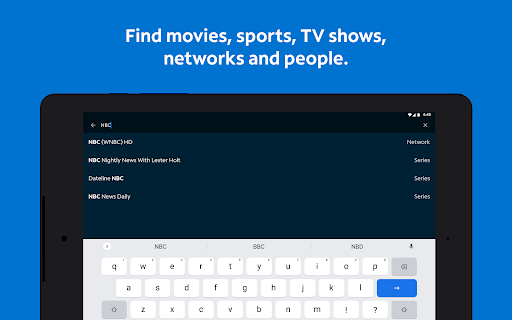
🔎 Searching is built for speed, with options to look up content by title, network, actor, or even a sports team.
📦 If you rely on DVR workflows, Spectrum TV is designed for control and convenience, including recording and managing shows on compatible equipment.
🛡️ For household management, parental controls let you block content by channel or rating using a PIN, applying consistently across devices.
🧩 Keep in mind that available programming depends on your Spectrum TV package, and some titles may require connecting to Spectrum In-Home WiFi.
🔐 A Spectrum TV subscription, username, and password are required for sign-in, which aligns with account-based access common in media subscriptions.
📊 This app includes Nielsen’s proprietary measurement software that supports market research, including Nielsen’s TV Ratings, per the provided opt-out page.
💳 From a value perspective, the experience feels like a consolidated service layer over your existing cable subscription, similar to how other streaming and pay-TV providers bundle access.
🧠 Overall, the app’s usability is centered on continuous viewing, fast discovery, and cross-device playback, which is crucial for modern subscription entertainment.
2. Pros of Spectrum TV App
✅ 1) Stream live TV and On Demand on the go, making it easier to maintain a consistent entertainment subscription experience across mobile and home screens.
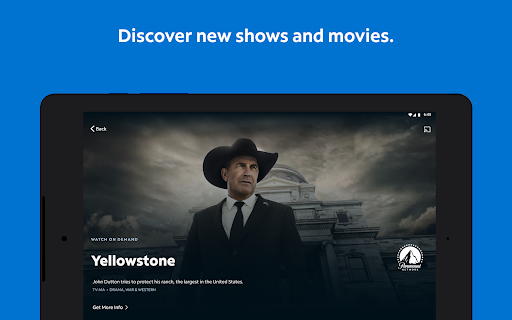
🚀 2) Broad content discovery features, including favorites and search by title, network, actor, or sports team, reduce the time spent hunting for something new.
📺 3) Strong device control options, including casting and DVR management like recording, deleting, modifying, and playing recordings on compatible systems.
🏡 4) Household parental controls are practical, with PIN-based blocking that applies across each device, improving safety for families using shared accounts.
📶 5) The app supports a flexible viewing pipeline, so you can start on mobile and finish on a TV, which fits typical “subscription anywhere” habits.
3. Cons of Spectrum TV App
⚠️ 1) Programming availability depends on your Spectrum TV package, which can limit what you see compared with broader streaming ecosystems.
🏠 2) Some titles require Spectrum In-Home WiFi, so remote viewing may not always feel fully equivalent to in-home access.
⏱️ 3) Signing in requires a Spectrum TV subscription plus username and password, which can be slightly friction-heavy versus single-login streaming apps.
📡 4) DVR features depend on compatible DVRs and services, so advanced control may vary for viewers with different hardware setups.
🔍 5) Because the app includes Nielsen measurement software, privacy-conscious users may want to review the opt-out details before adopting daily use.
💡 6) Like many pay-TV companion apps, performance can be sensitive to connection quality, which may affect smooth playback during peak hours.
4. Summary
📝 Spectrum TV feels like a practical companion app built around real pay-TV viewing needs, not just a generic streaming catalog.
📱 The combination of live streaming, On Demand browsing, casting, and DVR control makes it well-suited for households that want one place to manage viewing.
🧠 I particularly like the personalized guide and search tools, because they turn the app into a quicker interface for entertainment discovery.
📌 Parental controls also stand out as a thoughtful feature, since blocks apply across devices, helping families maintain consistent rules.
⚖️ The main trade-off is dependency on your package and, for some content, in-home WiFi, which can reduce “anywhere, anytime” expectations.
💳 Still, if you already have a Spectrum TV subscription, the app can improve your value by extending your service beyond the living room.
🏁 In short, Spectrum TV is a solid streaming-and-TV control experience that supports convenience, personalization, and household management.
5. How to Download the Spectrum TV App
⬇️ Download the Spectrum TV app from our website, then sign in with your Spectrum TV subscription username and password.
📱 Once installed, use the app to stream On Demand titles, browse live channels, and set up favorites for a personalized guide.
📺 If you want bigger-screen viewing, use Chromecast casting to turn your compatible TV into your main playback display.
📼 For recording and DVR control, make sure your DVR and services are compatible, then manage recordings directly from the app.
🛡️ Finally, set up parental controls with your PIN to block content by channel or rating across devices in your household.
🧾 Note that some programming availability may depend on your Spectrum TV package and may require Spectrum In-Home WiFi for certain titles.
Spectrum TV
Version 9.100.0.257113276.release Updated 2026/04/10


