

Amazon Shopping


Amazon Shopping App Info
-
App Name
Amazon Shopping
-
Package Name
com.amazon.mShop.android.shopping
-
Developer
Amazon Mobile LLC -
Category
Shopping -
Updated
2026/04/17
-
Version
32.8.2.100
Amazon Shopping App Usage Overview
🚀 Amazon Shopping app is designed to make online commerce feel faster, safer, and more trackable on mobile than desktop shopping.
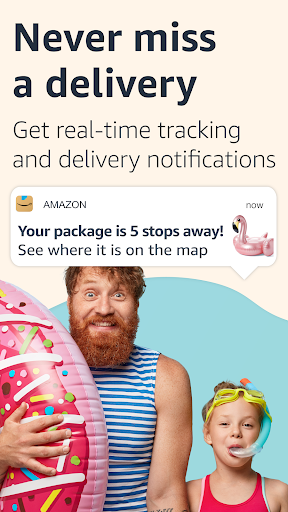
🔔 The experience centers on real-time delivery notifications, so you always know where your order is and when it arrives.
🔍 You can browse, search, view product details, and read reviews across millions of items, with shopping optimized for touch and speed.
📦 Delivery can be as quick as 3–5 days to 100+ countries, which is useful for frequent buyers and cross-border customers.
💳 If you manage payments and subscriptions, the app helps you stay consistent with saved preferences and faster checkout routines.
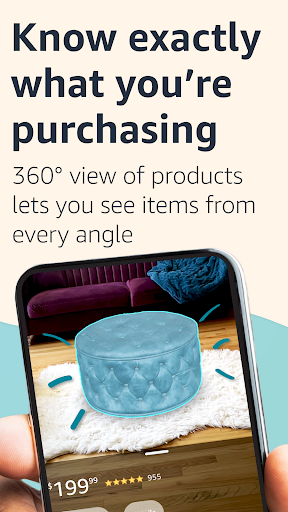
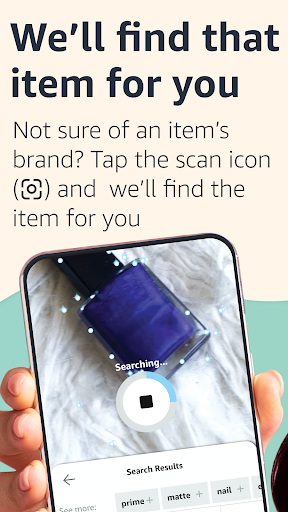
🧭 It also supports practical workflows like tracking orders, scanning products, and confirming purchases with features like 360° viewing.
🛡️ For accounts and customer service, the app supports secure sign-in and quick access when you need help.
📸 Permissions are part of the design, including camera access for scanning barcodes and location access for local offers.
👤 Sharing products to friends and family is supported through your connected social options and account settings.
📣 For voice-based searching, the microphone permission enables interaction with your Assistant in supported regions.
🌙 When you use scanning in low light, flashlight permission allows the camera feature to stay usable.
📱 Overall, the app combines shopping, tracking, and engagement into a single mobile workflow.
Pros of Amazon Shopping App
🏃 1. Faster delivery visibility: Get real-time tracking and delivery notifications, reducing uncertainty and helping you plan around arrivals.
🧠 2. Confident purchasing: The full 360° product view and “View in your room” use camera and VR to confirm fit and appearance.
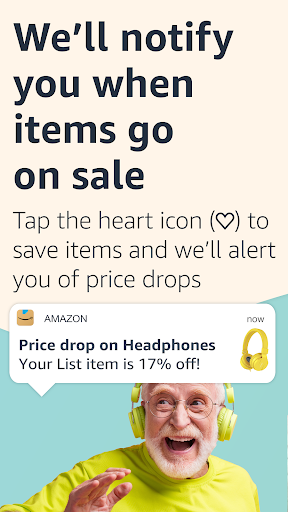
💸 3. Deal alerts that feel personalized: Save items to Your Lists using the heart icon, then receive alerts when prices drop.
📣 These features work especially well for high-frequency shoppers who treat online buying like an operational routine.
🔔 They can also support cost-conscious teams and professionals managing budgets, procurement, or recurring home-office needs.
🛒 For consumers and small businesses, clearer product presentation can reduce return risk and improve satisfaction.
Cons of Amazon Shopping App
⚠️ 1. Permissions requirements: The app requests access to Contacts, Camera, Location, Microphone, and more for full functionality.
🔒 2. Privacy and control concerns: Some users may prefer tighter management of data sharing when using social features and location discovery.
📶 3. Setup overhead: Scanning, notifications, and certain features can require permissions and configuration before they feel seamless.
🧾 If you’re comparing competing e-commerce ecosystems, the permission model may feel heavier than simpler retail apps.
🧪 For enterprise-like users, policy approvals for device access may add friction during rollout across devices.
⏳ Still, many limitations are tied to how the app delivers its convenience and accuracy.
Summary
📝 Amazon Shopping feels like a mobile command center for commerce, especially if you rely on tracking, deal alerts, and detailed product previews.
✨ The 360° view and “View in your room” are particularly strong for purchases where size, color, and fit matter most.
📲 For customers who shop regularly, staying securely signed in and using facial or fingerprint options reduces friction.
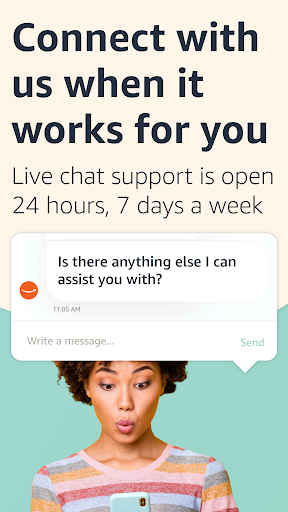
💬 The 24/7 live chat model helps when problems appear, from order questions to payment or account troubleshooting.
🏷️ Heart-based price drop alerts can be a practical driver for cost savings without constant manual checking.
🔍 Barcode scanning is also a convenient shortcut, useful when you want to confirm a product quickly and buy from your phone.
🧩 Overall, the app is well suited for mobile-first shoppers and can support finance-minded users who track spending closely.
✅ If you prefer a streamlined experience combining purchases, notifications, and support, it delivers a solid day-to-day workflow.
How to Download the Amazon Shopping App
⬇️ You can download the Amazon Shopping app from our website, then install it on your device to start shopping.
📲 After installation, sign in to access saved preferences, tracking updates, and Your Lists.
🪄 Once set up, you can begin scanning items, viewing product details, and using real-time delivery notifications.
🧾 If you’re shopping on tablets, the Amazon app for tablets is available on Google Play.
🌍 Search for “Amazon Tablet” in Google Play to install and start browsing millions of products.
⚖️ For customers in the European Union, United Kingdom, Brazil, or Turkey, app use follows the applicable country conditions and notices.
🌐 For other regions, use follows the relevant Amazon conditions of use and privacy notice for your local marketplace.
🔐 Before you enable features, review the required permissions so the app aligns with your preferences and device policies.
Amazon Shopping
Version 32.8.2.100 Updated 2026/04/17


