

AnyDesk Remote Desktop
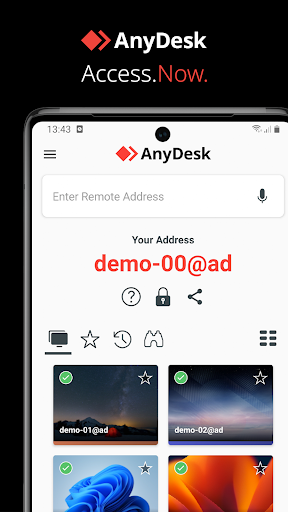
AnyDesk Remote Desktop App Info
-
App Name
AnyDesk Remote Desktop
-
Package Name
com.anydesk.anydeskandroid
-
Developer
AnyDesk Software GmbH -
Category
Business -
Updated
2026/02/23
-
Version
8.3.2
Download AnyDesk Remote Desktop APK for Fast Remote Access
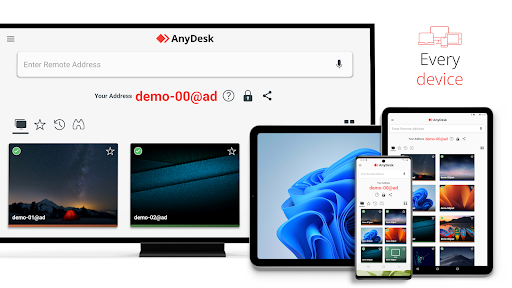
Managing a computer from another location has become part of everyday work for IT professionals, freelancers, remote employees, and even home users. AnyDesk Remote Desktop is designed to make this process straightforward by allowing you to connect to compatible devices over the internet with minimal setup. Whether you need to troubleshoot a family member's computer, access files left on your office PC, or manage multiple workstations, the AnyDesk Remote Desktop app provides a practical remote access solution across different operating systems.
Unlike traditional remote desktop tools that often require complicated network configuration, AnyDesk focuses on quick device pairing and responsive remote control, making it suitable for both occasional users and professional support teams.
Why Many Users Choose AnyDesk Remote Desktop
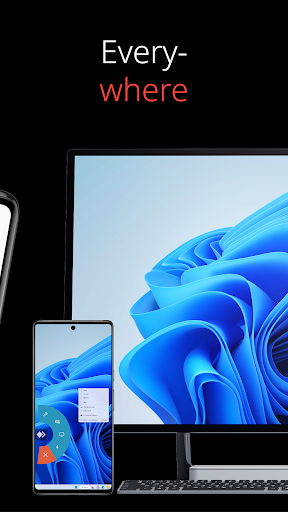
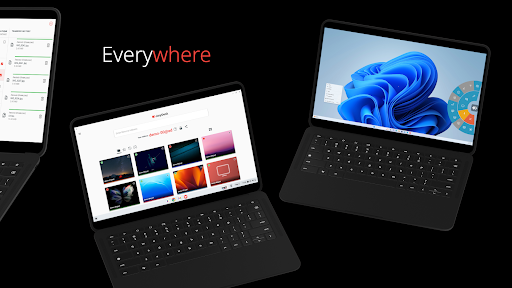
🌍 The AnyDesk Remote Desktop app is designed for seamless connectivity. Whether you are in the office next door or thousands of miles away, it enables reliable remote access.
🖥️ Its functionality caters to diverse users, including IT professionals, remote workers, and students. The free AnyDesk Remote Desktop app ensures smooth operation without ads for personal use.
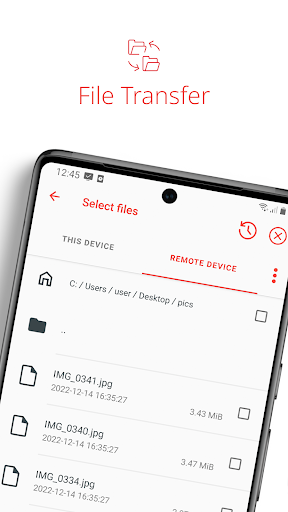
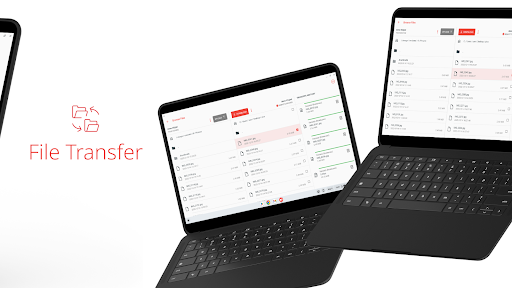
📲 With the AnyDesk Remote Desktop apk, you can connect to remote devices effortlessly. File transfer and remote printing are just a few clicks away.
🔒 Using AnyDesk guarantees that your connections are secured with banking-standard encryption, ensuring data safety across various operations.
Real-World Usage Scenarios
🚀 Outstanding performance is a hallmark of the AnyDesk Remote Desktop app. Users can expect high frame rates and low latency, enhancing their experience.
🏢 Access Your Work Computer While Traveling
Forgot an important presentation or spreadsheet on your office computer? With the AnyDesk Remote Desktop app, you can securely connect to your workplace device and continue working without returning to the office.
🛠 Remote Technical Assistance
IT administrators and support technicians can quickly diagnose software issues, install updates, or guide users through troubleshooting without requiring an on-site visit, helping reduce downtime for both businesses and individual users.
🎓 Learning and Collaboration
Teachers, students, and software developers often use remote desktop software to demonstrate applications, review projects, or access specialized software installed on another machine.
Things to Consider Before Using AnyDesk
🌐 Connection Quality Depends on Your Network
Remote performance is closely tied to internet stability. A reliable broadband or Wi-Fi connection generally delivers smoother control than slower or congested networks.
💼 Commercial Features Require a License
While the free version is suitable for many personal scenarios, businesses that require advanced administration, centralized management, or larger deployment may need a commercial subscription.
⚙ Some Features Require Additional Permissions
Functions such as unattended access, mobile device control, or remote printing may require additional permissions or configuration depending on the operating system.
AnyDesk vs TeamViewer: Which Remote Desktop App Fits Your Needs?
💟Both AnyDesk and TeamViewer are popular remote desktop solutions, but they focus on slightly different user needs.

👉If your priority is quick remote access with a lightweight client, AnyDesk is a strong choice. Users who require advanced enterprise management features may also consider other remote desktop solutions depending on their workflow.
Analysis from the Editor's Perspective
📝 In my experience, the AnyDesk Remote Desktop app stands out in performance and functionality. It's user-friendly, especially for beginners venturing into remote access solutions.
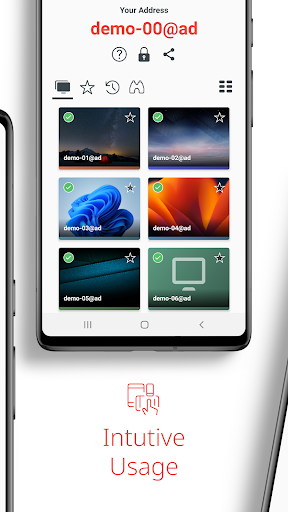
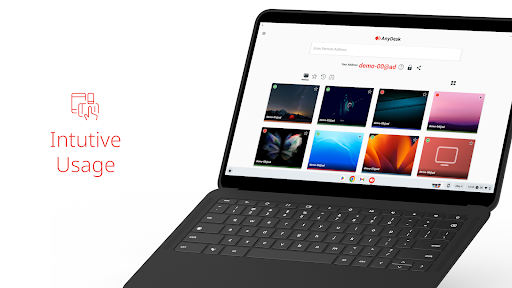
✨ The interface is intuitive, making the process of install AnyDesk Remote Desktop straightforward. Users can easily login AnyDesk Remote Desktop for quick access.
🔒 Security measures, including banking-standard encryption, are impressive and essential in today’s digital environment. Features such as file transfer enhance usability for various tasks.
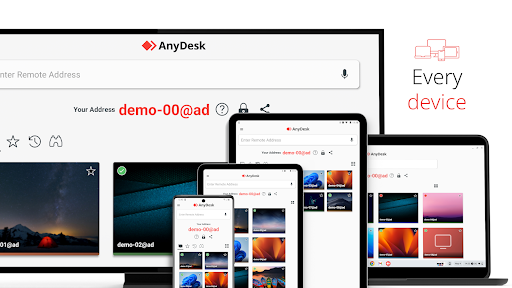
📊 Overall, whether you’re using the AnyDesk Remote Desktop apk on Android or the iOS version, accessibility and convenience are top-notch. This application is a powerful tool for remote assistance.
AnyDesk Remote Desktop
Version 8.3.2 Updated 2026/02/23


