

Discord - Talk, Play, Hang Out
Discord - Talk, Play, Hang Out App Info
-
App Name
Discord - Talk, Play, Hang Out
-
Package Name
com.discord
-
Developer
Discord Inc. -
Category
Communication -
Updated
2026/04/17
-
Version
325.10.-.Stable
Discord - Talk, Play, Hang Out App Usage Overview
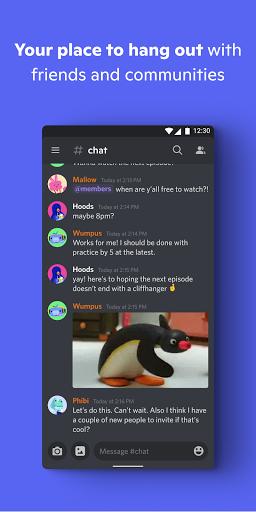
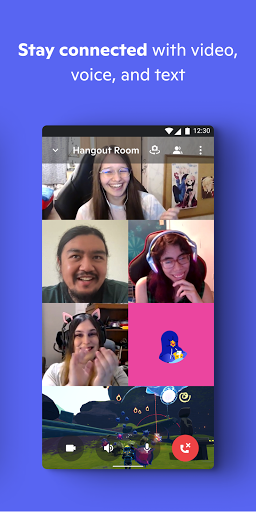
🎮 Discord is a gaming-first group chat where you talk, play, and hang out in one place, with streaming, voice, video, and text that work together smoothly.
🧑🤝🧑 It’s built for community building, from small squads to worldwide groups, letting friends gather without complex setup or constant calling.
💬 You customize your space with avatar, custom status, and a written profile, so your presence feels personal across voice, video, and text.
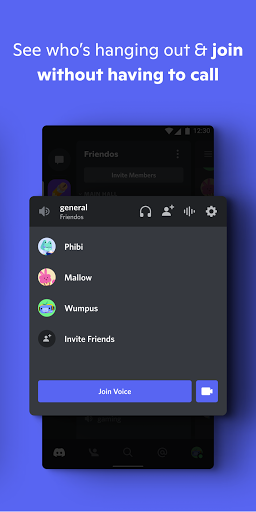
📌 The app supports hopping in quickly, which is useful for high-frequency coordination, especially when you’re scheduling sessions, events, or team check-ins.
📺 With low-latency, high-quality streaming, the experience feels like hanging out in the same room while you game, watch shows, or share photos.
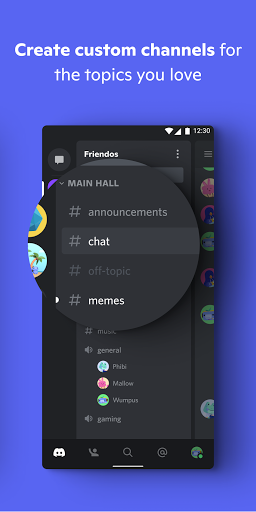
🛠️ For creators and businesses, group chats can also function as lightweight community hubs where updates, announcements, and conversations happen in one channel structure.
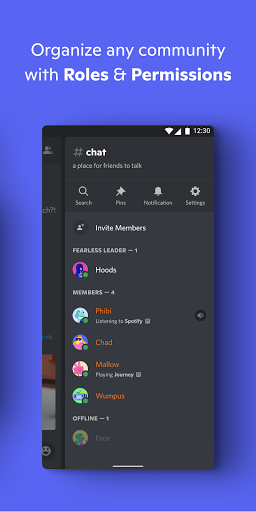
👀 You can see who’s around and what they’re doing, and for supported games you can view modes or characters and join directly.
📣 Features like custom emoji and stickers, plus soundboard-style effects, help you express personality and keep conversations lively.
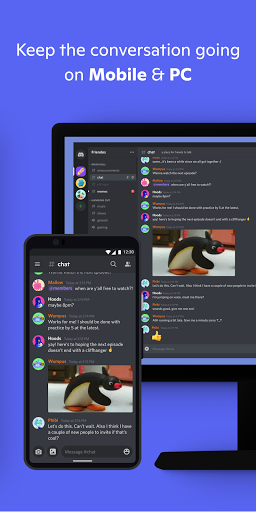
🎧 You can switch between devices—PC, phone, or console—so your social presence stays active, which is helpful for remote teams and distributed communities.
🧾 Overall, Discord’s usage emphasizes fast entry, shared experiences, and ongoing togetherness, turning casual chats into repeatable hangouts.
Pros of Discord - Talk, Play, Hang Out App
✅ 1. Engaging all-in-one group chat for gaming and chilling, combining text, voice, and video so friends can do more than just message.
🎭 2. Strong personalization with custom emojis, stickers, soundboard effects, avatar, and custom status, making your group feel distinctly yours.
📺 3. Streaming and low-latency hangout feel that keeps everyone aligned during games, watch parties, and shared media moments.
💡 For advertisers and SaaS marketers, the active community model can support subscription-style retention flows, since users return to their groups for ongoing interaction.
🧩 The built-in variety of activities—games, watch content, music, and “scroll together” moments—helps reduce churn by keeping sessions fresh and social.
Cons of Discord - Talk, Play, Hang Out App
⚠️ 1. Notifications and activity can feel intense, especially in busy servers, which may require careful settings to avoid constant interruptions.
🧠 2. Advanced community features and customization options can be overwhelming for new users who want a simple, no-fuss chat experience.
🔐 3. Because it supports many modes and streaming-style activities, moderation demands can increase in larger groups, which affects admin workload.
📉 From a payments and enterprise services angle, frequent community engagement can also raise the stakes of identity, access, and governance, which admins must manage responsibly.
📶 Streaming quality depends on connection and device performance, so some users may experience variability when switching networks or hardware.
Summary
🌟 Discord feels like a social control center for gaming and casual hanging out, where you can talk and share experiences without friction.
🎮 The best part is how naturally it blends voice, video, streaming, and text, so your group doesn’t need to jump between apps.
🧑💻 I also like the customization, because it makes presence feel human and expressive rather than generic.
⏱️ Hopping in without calls is especially convenient, and it supports that “before, during, after” rhythm that keeps friendships active.
🏗️ If you’re building a community, Discord’s structure helps you organize conversations while still keeping everything social and fun.
💼 For serious groups, the trade-off is that moderation and settings attention matter, but the upside is a lively place where people actually show up.
How to Download the Discord - Talk, Play, Hang Out App
⬇️ You can download Discord from our website, where you’ll find the app and the steps to get started quickly.
📱 Choose the version that matches your device, then follow the on-screen instructions to install and sign in.
🧾 After setup, you can customize your profile, join or create group chats, and begin talking, playing, and hanging out right away.
🔔 If you’re managing an organization or community, consider guiding members on setup basics so everyone can move efficiently into chats and events.
🌐 Once installed, you can switch between PC, phone, and console to keep your groups active and your social life consistent.
Discord - Talk, Play, Hang Out
Version 325.10.-.Stable Updated 2026/04/17


