

Google Health (Fitbit)

Google Health (Fitbit) App Info
-
App Name
Google Health (Fitbit)
-
Package Name
com.fitbit.FitbitMobile
-
Developer
Google LLC -
Category
Health & Fitness -
Updated
2026/04/08
-
Version
4.67.fitbit-mobile-1104014713-896395415
Fitbit App Usage Overview
💡 Fitbit App is now Google Health, combining effortless tracking with a personalized coaching experience designed to fit your goals. It connects fitness, sleep, and wellness into one place.
🚀 You start by setting your vision, then Google Health uses Gemini-based guidance to turn daily metrics into clear next steps. Daily workout recommendations adapt to your preferences and routine.
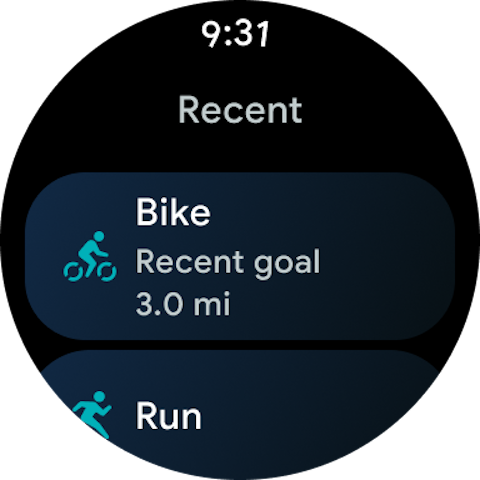
🔁 Syncing matters for reliability. You can connect Google Health with your Fitbit devices, Pixel Watch, favorite health tracking apps, and select medical records in supported countries.
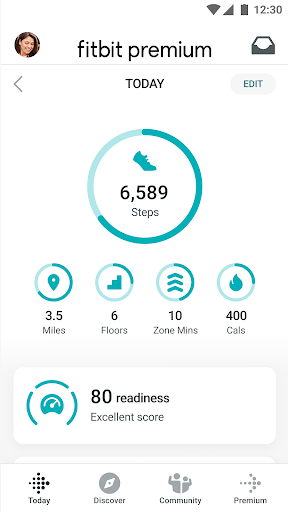
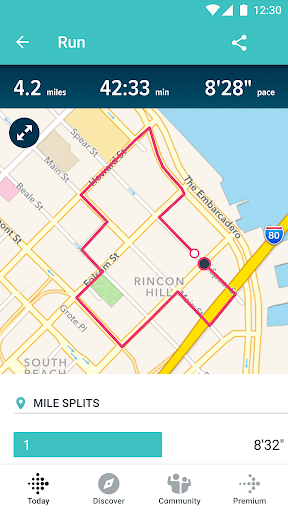
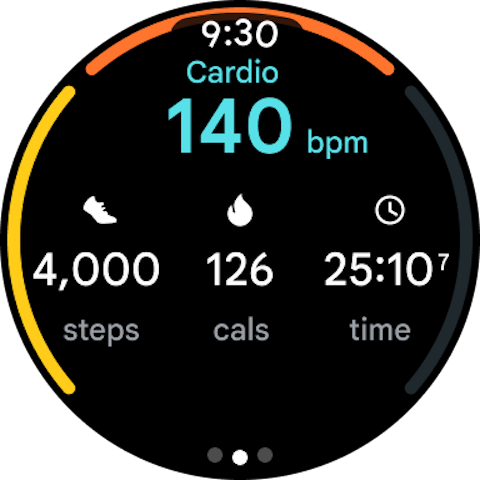
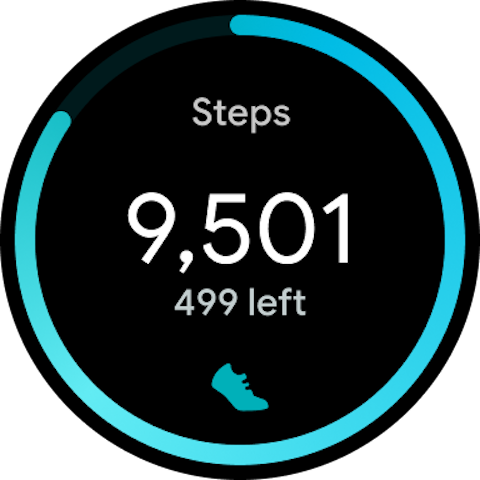
📊 Logging is structured and ongoing. Track sleep, workouts, nutrition, and menstrual cycles so patterns emerge over time rather than guessing day-to-day.
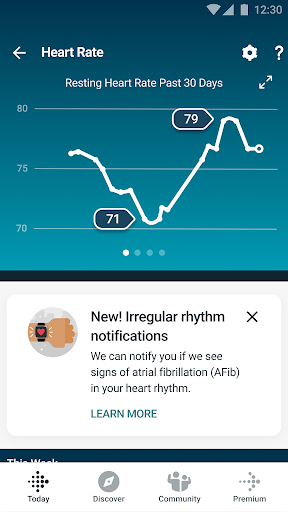
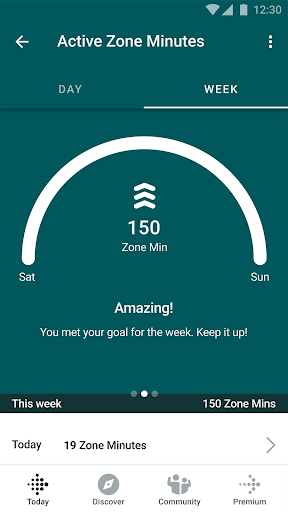
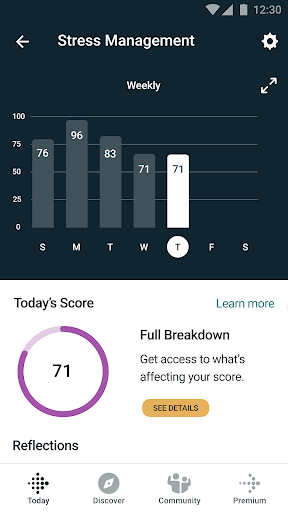
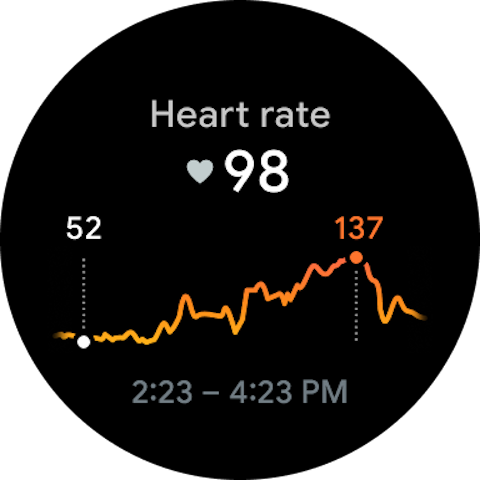
🔔 Real-time notifications help you stay on track. The app highlights trends and celebrates achievements, so progress feels visible and motivating.
🛡️ Data control is part of the experience. Privacy settings are designed to keep you in control, with built-in security and an emphasis on safe handling of information.
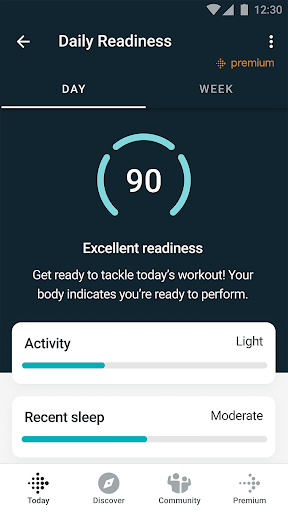
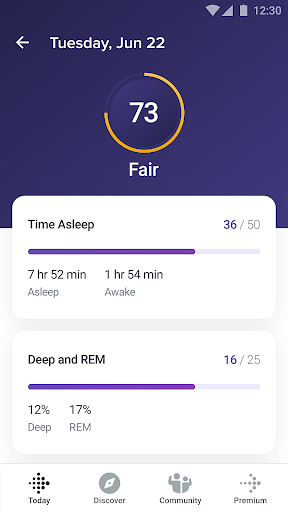
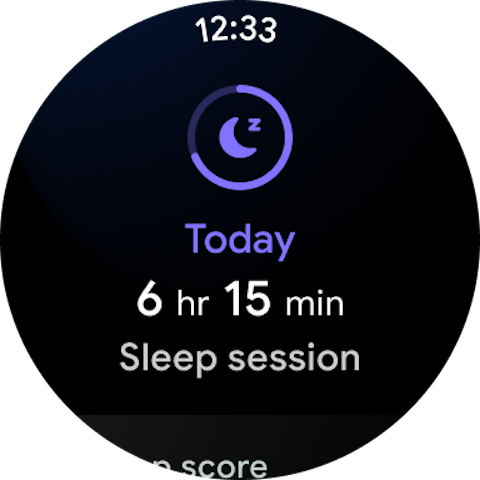
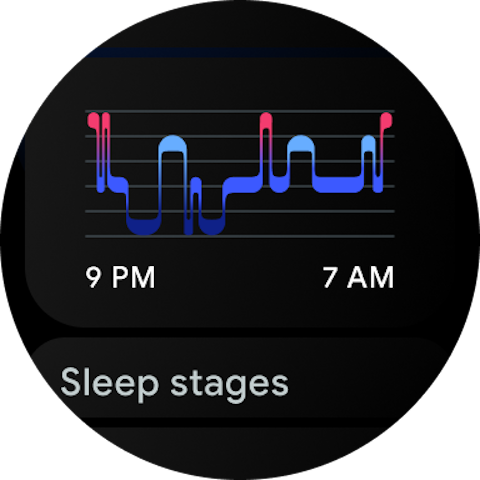
🌙 Sleep tracking is a key workflow. Your coach analyzes nightly sleep stages, identifies long-term trends, and suggests actions to improve rest and recovery.
📅 Women’s health features are included in the same ecosystem. You can track menstrual cycles to understand how each phase may affect your routine.
⚙️ For ongoing value, some features require a subscription. Google Health Premium may unlock deeper coaching and expanded insights in certain countries.
🧾 As an online service, it also supports modern lifestyle needs. If you manage subscriptions or payments elsewhere, syncing your data helps keep your wellness plan consistent across devices.
Pros of Fitbit App
✅ 1. Personalized coaching powered by Gemini helps convert raw data into actionable guidance. The app supports multiple goals like weight loss, cardio improvement, and muscle building.
✨ 2. Sleep insights go beyond basic totals. You get analysis of sleep stages, long-term trends, and guidance designed to reduce interruptions and stress.
🔒 3. Strong privacy and security controls support peace of mind. You can review privacy settings and keep your health information protected in one ecosystem.
Cons of Fitbit App
⚠️ 1. Some of the most advanced coaching features require Google Health Premium. That can raise ongoing costs if you rely on premium recommendations.
⏳ 2. Availability varies by country, including medical records sync and certain Gemini features. This limits the experience for users outside supported regions.
📶 3. The app’s best results depend on syncing and connectivity. If your internet access is inconsistent, data updates and coaching insights may lag.
Summary
🧠 Overall, Google Health feels like a step up from simple step counting. It turns fitness and sleep tracking into a guided system that nudges you toward milestones.
🏁 The most convincing part is the combination of personalized AI plans and sleep analytics. Instead of generic tips, you get guidance tied to your own patterns.
🗂️ I also appreciate the holistic approach. Keeping metrics like workouts, nutrition, and menstrual cycles together makes it easier to spot real cause-and-effect.
🔐 Privacy and control are especially important for high-trust health tools. The app’s security messaging and settings help reduce friction for users who care about data handling.
💳 Still, the premium layer matters. If you want maximum value from coaching and certain features, plan for subscription costs and confirm availability in your country.
📈 If you’re evaluating a wellness platform as a recurring service, Google Health aligns with modern subscription expectations. It focuses on long-term progress with daily guidance and trend spotting.
🧩 For enterprise-style users, families, or health-focused teams, interoperability is a plus. Syncing with multiple devices and apps reduces setup complexity and supports better continuity.
🌟 In day-to-day use, the app is designed to keep you informed without overwhelming you. The notifications and follow-up questions make the insights feel more personal.
How to Download the Fitbit App
⬇️ You can download the Fitbit App from our website. Choose the version that matches your device and follow the on-screen steps to install.
📲 After installation, open the app to sign in and connect your Fitbit or compatible wearables. Then you can start logging sleep, workouts, nutrition, and other wellness metrics.
🔗 If you want the full experience, enable integrations and syncing. Connect Google Health with your Pixel Watch, supported health tracking apps, and medical records where available.
🛡️ Finally, review your privacy settings. Confirm your preferences before using coaching features, especially if you’re opting into premium subscriptions.
Google Health (Fitbit)
Version 4.67.fitbit-mobile-1104014713-896395415 Updated 2026/04/08


