

GPS+ Maps, Navigation, Traffic

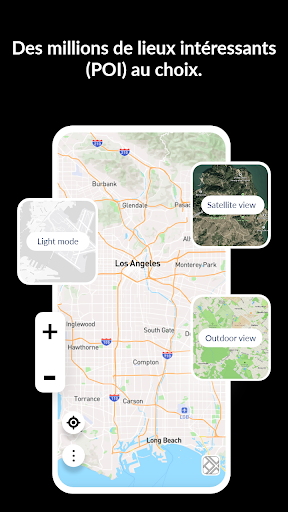
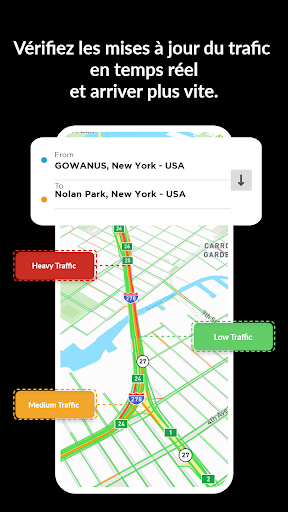
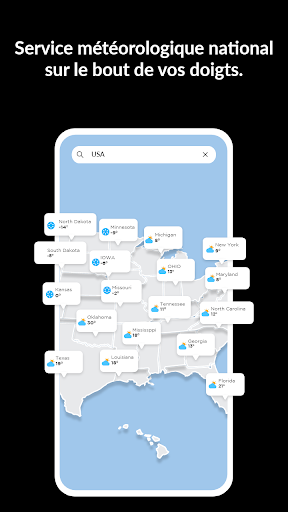
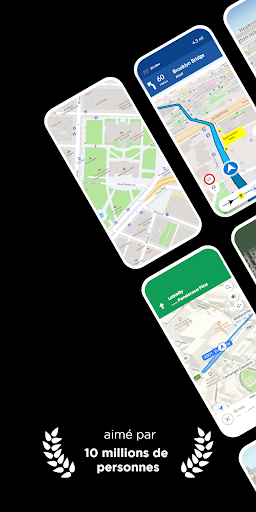
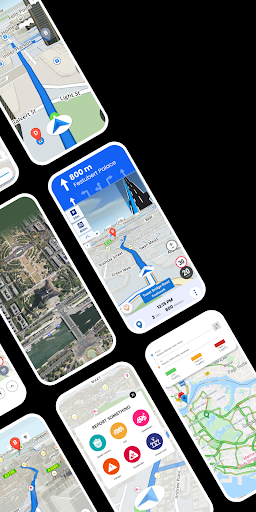
GPS+ Maps, Navigation, Traffic App Info
-
App Name
GPS+ Maps, Navigation, Traffic
-
Package Name
com.jvstudios.gpstracker
-
Developer
JVSTUDIOS -
Category
Maps & Navigation -
Updated
2024/10/17
-
Version
3.47
GPS Maps, Navigation & Traffic App Usage Overview
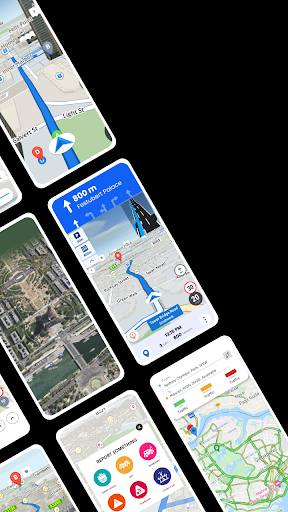
🧭 If you want smarter road trips, GPS Maps, Navigation & Traffic turns your phone into a live navigation assistant with weather, traffic, and routing tools that keep you in control.
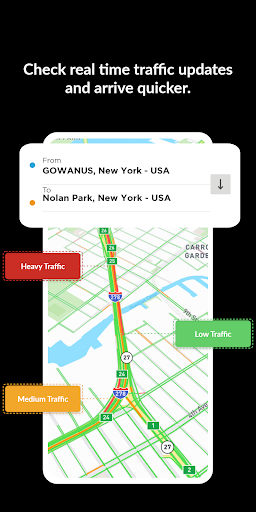
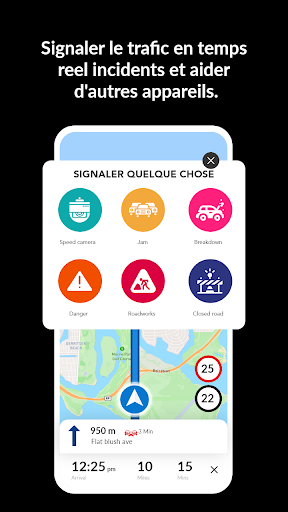
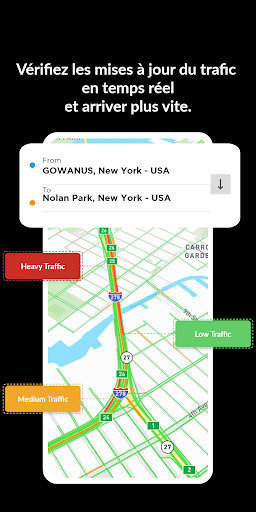
📡 The app supports seamless trip planning using precise driving directions, real-time traffic alerts, and ongoing speed updates while you move through busy routes.
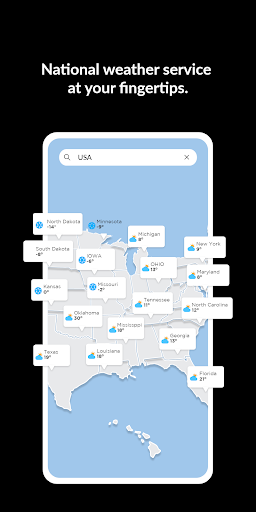
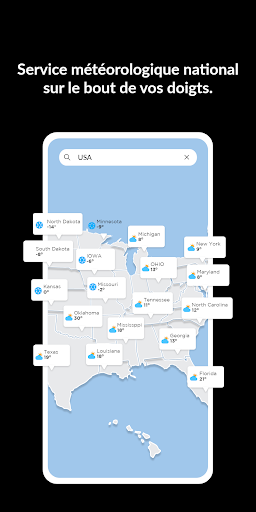
☁️ It also brings instant local weather forecasts and pollen data, which helps you decide when to leave and how to plan activities along the way.
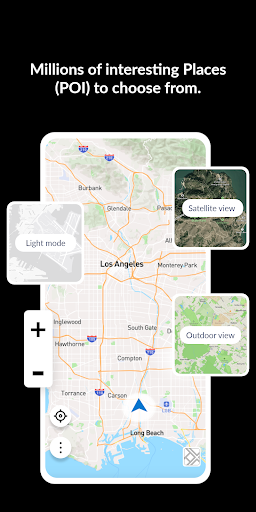
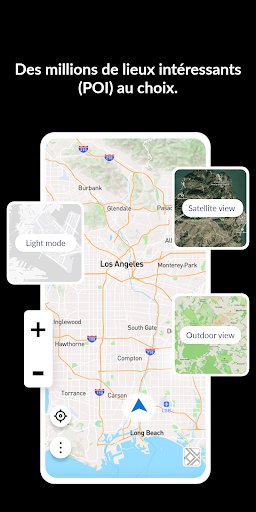
🗺️ With region-specific offline maps powered by Mapbox, you can explore even when cellular coverage is unreliable, so your navigation doesn’t disappear mid-journey.
🚦 For commuters, traffic-based routing updates your path based on current road conditions, so the “fastest way” adapts as conditions change.
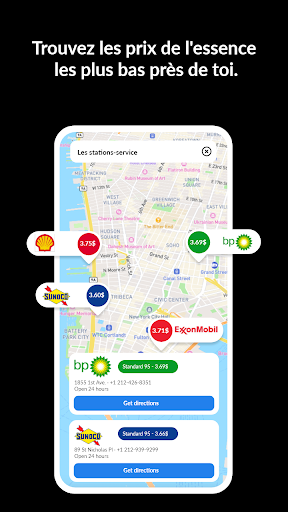
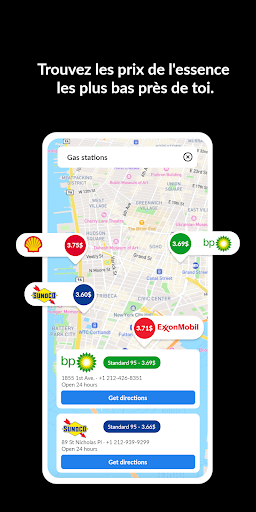
📍 You can find nearby places such as gas stations and dining options, letting you build stops into your route instead of searching separately.
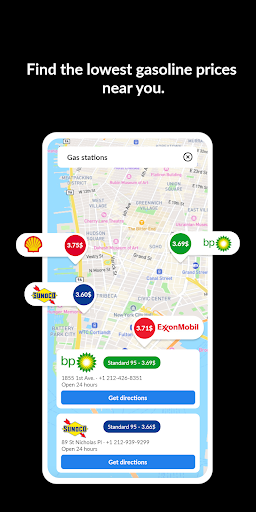
⛽ For budget-focused travelers, cheap gas discovery and price lookups near you can help you optimize driving expenses with less guesswork.
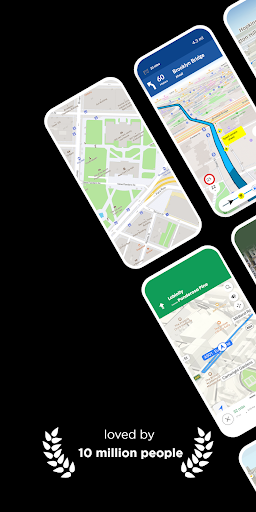
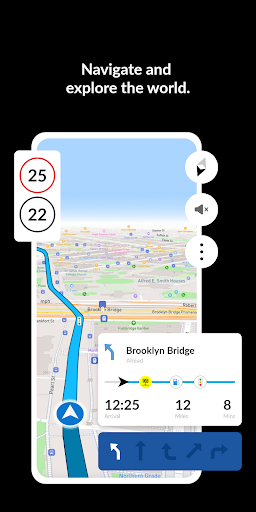
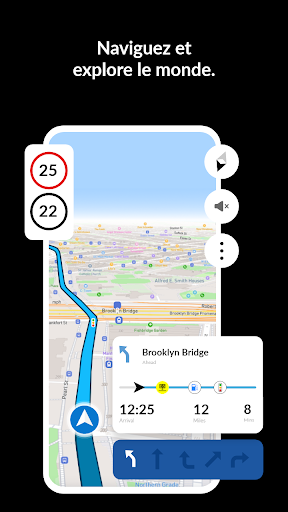
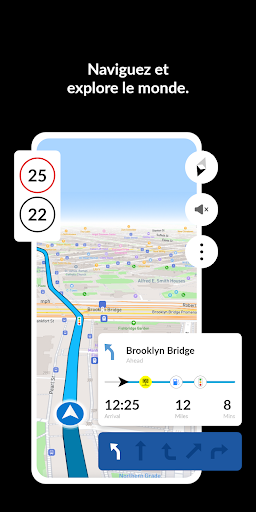
📌 A built-in step-by-step GPS navigator keeps turn-by-turn guidance clear, so you can focus on driving while the next move stays visible.
📈 If you care about vehicle safety and compliance, the speedometer feature helps you monitor your pace and stay within legal limits.
📞 Beyond navigation, the after-call enabling feature helps you identify incoming calls and quickly return to maps, routes, and directions without losing flow.
🔒 From a product and business perspective, this app fits scenarios where users value reliability, subscription-like convenience, and frequent daily usage for commuting or delivery planning.
🏢 For teams that manage field work, shared routing after calls and quick access to directions can support operational continuity and reduce time lost to interruptions.
💰 Because navigation impacts fuel, time, and user experience, the combination of real-time traffic, offline maps, and weather-aware decisions can translate into high engagement.
Pros of GPS Maps, Navigation & Traffic App
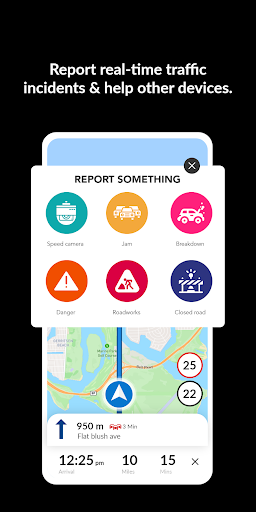
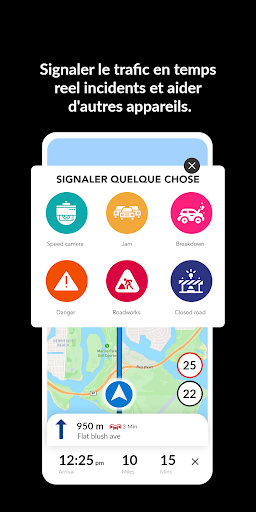
✅ The first standout advantage is live traffic view alerts, including accident notifications and route changes, which can help you avoid delays and improve travel efficiency.
🧠 Step-by-step GPS navigation with precise tracking reduces confusion at intersections, making it easier for first-time visitors and daily commuters alike.
📥 Offline readiness is a major plus, since region-specific maps let you navigate without internet connectivity and keep directions available when coverage fails.
🚗 The traffic-based routing feature continuously seeks efficient paths, improving the chance you’ll spend less time stuck in congestion.
☁️ Integrated weather forecasts and pollen data add a useful planning layer, helping users prepare for conditions that may affect comfort and health.
⛽ Nearby discovery supports practical decisions, including locating gas stations and finding dining options along or near your intended route.
📍 The coordinates locator and address finder make it easier to navigate to specific places, even when you don’t have a familiar street name.
🏁 The built-in speedometer promotes safer driving habits by showing your speed clearly during navigation.
🔁 The after-call experience streamlines access to routes and maps after incoming calls, which can reduce frustration and interruption time.
💡 From a monetization standpoint, these benefits support repeat usage, which often aligns with high-value retention strategies like subscriptions or premium add-ons.
Cons of GPS Maps, Navigation & Traffic App
⚠️ One potential drawback is reliance on frequent updates for the best traffic routing performance, which may require active data use in high-variation areas.
🌐 Even with offline maps, some advanced elements like real-time traffic and live alerts may be less consistent if internet connectivity is unavailable.
🧩 Users who prefer minimal interfaces might find the number of features—traffic, weather, pollen, gas discovery, and offline tools—somewhat busy.
🔔 Weather and pollen information can be very helpful, but it may also distract drivers if users check it too often while traveling.
🗺️ Offline navigation quality can vary by region, and areas with less map coverage may limit the depth of directions compared to online navigation.
📞 While after-call access is convenient, heavy multitasking—like switching between apps during calls—can still create small delays in returning to navigation.
📏 For enterprise and logistics-style workflows, consistent routing across devices may require testing, especially if teams expect highly standardized route behavior.
🪫 Battery usage could increase when GPS tracking, live alerts, and speed updates run together, which is common for navigation apps.
💬 Finally, if users want deeper customization such as advanced planning preferences, the landing description suggests a feature set that may feel standard rather than highly configurable.
Summary
🚘 Overall, GPS Maps, Navigation & Traffic feels built for everyday drivers who want more than directions, combining traffic awareness, weather intelligence, and offline safety.
🌦️ The weather forecasts and pollen data stand out as practical extras, especially for trips where comfort and timing matter, like school drop-offs or long errands.
🚦 Live traffic alerts and traffic-based routing are the core reasons many users will keep it installed, because they reduce stop-and-go frustration.
🗺️ I also like that offline maps are region-specific, since it supports real travel scenarios where coverage can be spotty in rural zones.
⛽ Cheap gas nearby and price lookups add tangible value, turning the app into a decision tool rather than a simple map viewer.
📈 The step-by-step navigator and built-in speedometer improve driving confidence, helping users stay on course and monitor speed responsibly.
📞 After-call quick access is a thoughtful touch, because interruptions happen, and navigation shouldn’t fall behind when you get called.
💼 For users who rely on navigation daily, the feature mix supports high engagement, which is relevant if you evaluate apps in terms of subscription readiness or long-term use.
🔍 If you’re searching for a reliable “smart travel assistant” with weather and traffic in one place, this app matches that goal convincingly.
How to Download the GPS Maps, Navigation & Traffic App
⬇️ To get GPS Maps, Navigation & Traffic, visit our website and download the app from there, following the on-screen installation steps.
📲 After installing, open the app to set up navigation preferences and start exploring real-time traffic alerts, step-by-step GPS guidance, and offline routes.
🧭 If you plan to travel where coverage is limited, make sure to use region-specific offline maps so your directions stay available.
🗺️ Once configured, you can immediately search nearby places, locate affordable gas, and compare route options using traffic-based routing.
☁️ For the best experience, allow weather updates so you can benefit from local forecasts and pollen data during your trips.
📩 Need help or have questions? You can contact the team at [email protected] for assistance with setup or features.
GPS+ Maps, Navigation, Traffic
Version 3.47 Updated 2024/10/17


