

Netflix



Netflix App Info
-
App Name
Netflix
-
Package Name
com.netflix.mediaclient
-
Developer
Netflix, Inc. -
Category
Entertainment -
Updated
2026/04/22
-
Version
9.63.1.build.5.64052
1. Netflix App Usage Overview
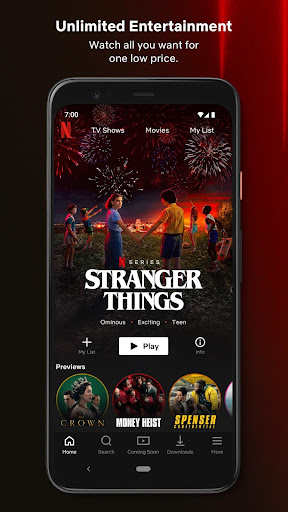
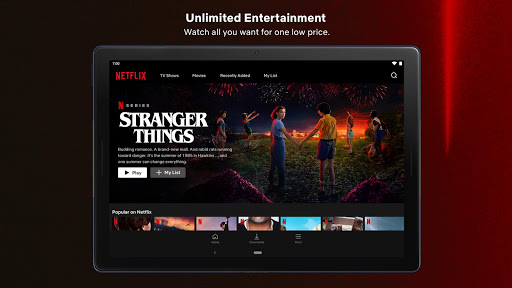
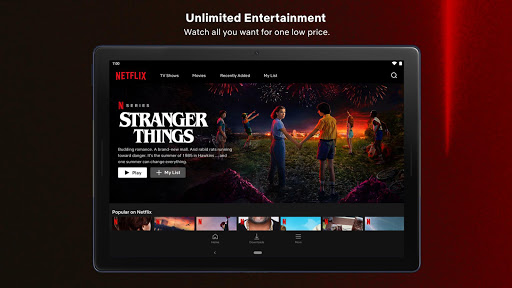
💡 Looking for the most talked-about TV shows and movies from around the world? Netflix delivers streaming entertainment you can manage directly from your mobile app.
📱 The app experience is designed for real-time viewing on the go, whether you’re commuting, traveling, or taking a quick break between tasks.
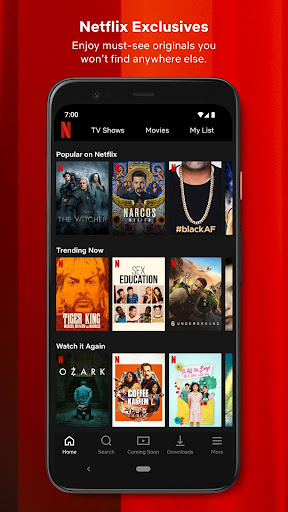
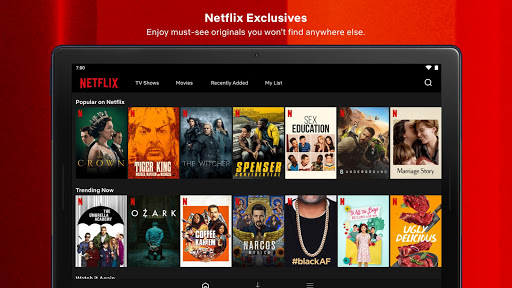
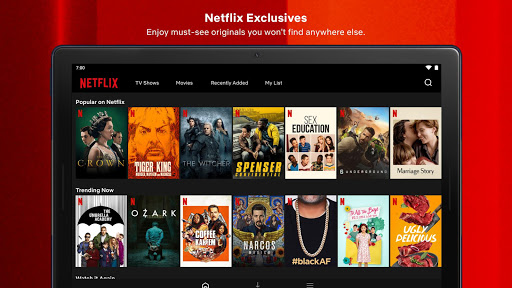
🎬 You can browse globally trending titles, then jump back to what you were watching without hunting through menus or remembering where you left off.
🧭 Smooth navigation matters when you’re juggling time, so the bottom shortcuts help you browse quickly and return to favorites in seconds.
🔔 Netflix also supports modern subscription habits with instant notifications for new releases, episodes, and live events tied to your interests.
🎧 Discovery doesn’t stop at trailers; you can explore podcasts, live events, and games from the same entertainment hub.
📌 If you rate what you watch, Netflix uses that feedback to fine-tune personalized recommendations, helping you spend less time searching.
✅ The “My Netflix” tab keeps your preferences organized, including “My List” and your favorite moments so you can resume faster later.
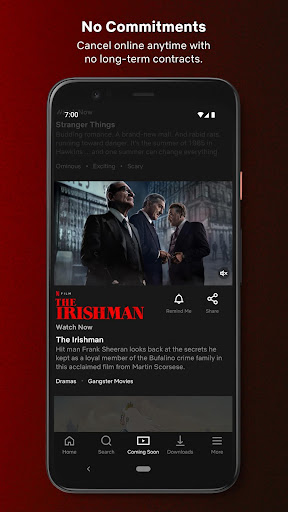
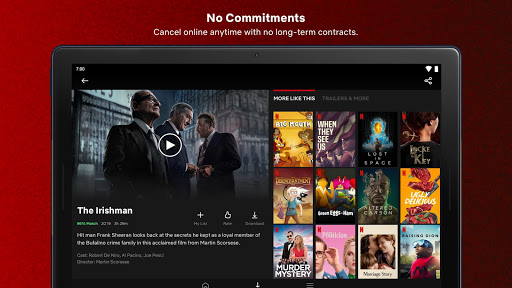
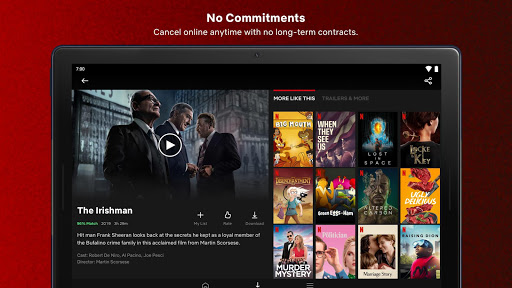
🔒 For account management, Netflix membership runs on a month-to-month subscription that begins at sign-up and can be canceled anytime online.
🌍 Netflix also supports cross-context privacy understanding by clarifying that the app privacy info covers Netflix iOS, iPadOS, and tvOS apps only.
🧾 For payments and account-related questions, the app’s links to privacy policy and terms provide transparency for how information is handled.
📲 In practical terms, the app turns content discovery into a repeatable workflow: browse, pick, save, rate, and get alerts.
2. Pros of Netflix App
⭐ Netflix feels built for subscribers who want speed, simplicity, and control over their viewing choices.
🚀 Smooth navigation with bottom shortcuts makes browsing efficient, which is especially useful when you want instant access during commutes.
🧠 The upcoming clips feed adds a fresh discovery loop, helping you find what’s next without relying only on static recommendations.
🌐 One app includes series, movies, live events, games, and podcasts, creating a high-value entertainment subscription experience in one place.
📌 Your “My Netflix” tab centralizes “My List” and favorite moments, so your preferences remain easy to manage over time.
🔔 Personalized recommendations based on your ratings help reduce decision fatigue, which can improve how quickly you commit to content.
3. Cons of Netflix App
⚠️ While notifications are helpful, constant release alerts may feel like subscription noise if you prefer a calmer experience.
🎮 The broader entertainment mix, including live events and games, can be overwhelming for users who want a simple “just watch shows” workflow.
📶 Streaming depends on reliable connectivity, so performance may vary when network speeds drop during travel or commuting.
4. Summary
🗣️ Netflix on mobile is a strong fit for entertainment-focused subscribers who value convenience, personalization, and staying current with what’s trending worldwide.
🍿 The combination of bottom shortcuts, “My List,” and instant notifications creates a confident routine for discovering and resuming content.
🔍 I especially like how Netflix uses ratings to improve recommendations, turning browsing into something more targeted than random scrolling.
💳 From a subscription standpoint, the month-to-month structure supports flexible planning, and the ability to cancel online is straightforward.
🎯 Overall, Netflix feels like a premium content platform packaged for daily life, where travel and downtime still deserve great shows, movies, and events.
5. How to Download the Netflix App
⬇️ You can download the Netflix app from our website, making it easy to start your streaming subscription without extra searching.
📥 After installation, sign in and explore award-winning series, movies, live events, podcasts, and games directly in the mobile experience.
🧩 Once set up, use bottom shortcuts, the upcoming clips feed, and “My Netflix” to build your personal viewing flow.
🔔 Then enable notifications so you’ll never miss new releases, episodes, or live events connected to your favorites.
🗺️ If you’re comparing streaming subscriptions for value, Netflix’s all-in-one entertainment approach can be a compelling option for many households.
☎️ Need app support? Call +18667160414 or email [email protected] for assistance related to the iOS experience.
Netflix
Version 9.63.1.build.5.64052 Updated 2026/04/22


