

NETGEAR Nighthawk WiFi Router

NETGEAR Nighthawk WiFi Router App Info
-
App Name
NETGEAR Nighthawk WiFi Router
-
Package Name
com.netgear.netgearup
-
Developer
NETGEAR, Inc -
Category
Tools -
Updated
2026/03/27
-
Version
2.52.1.5377
1. NETGEAR Nighthawk WiFi Router App Usage Overview
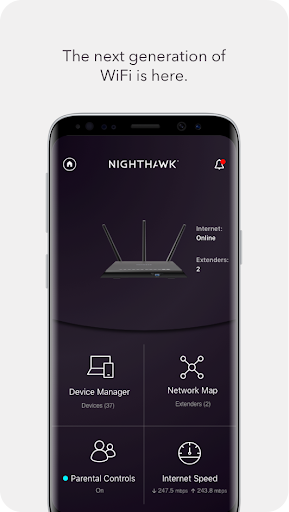
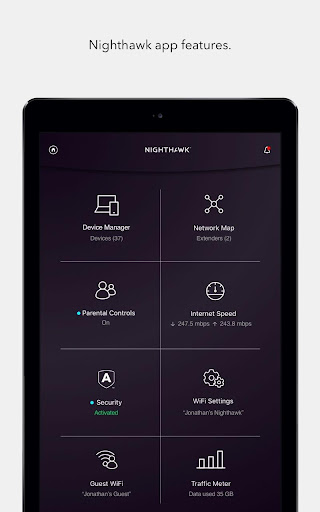
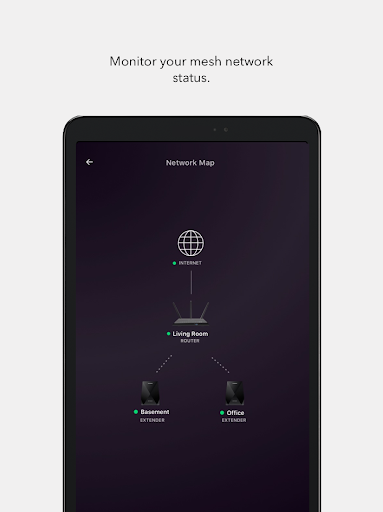
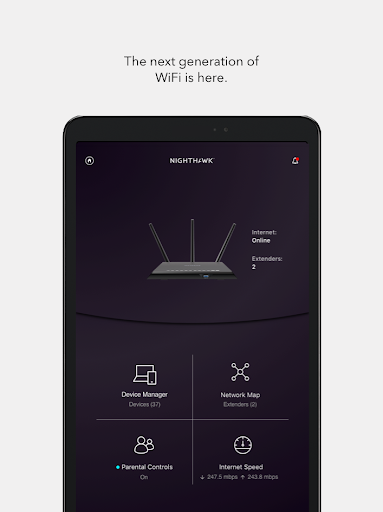
🚀 If you run a home office, small business, or remote team, the NETGEAR Nighthawk app helps you manage WiFi with speed, control, and visibility from anywhere.
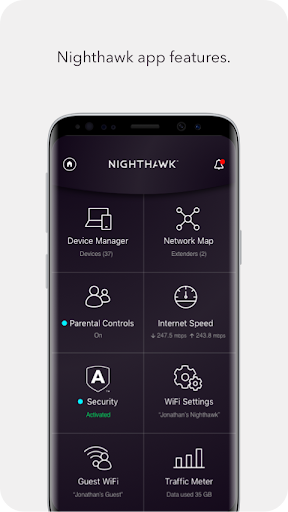
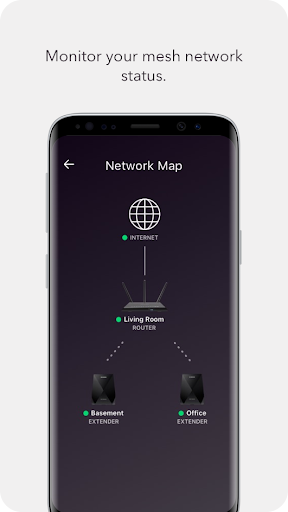
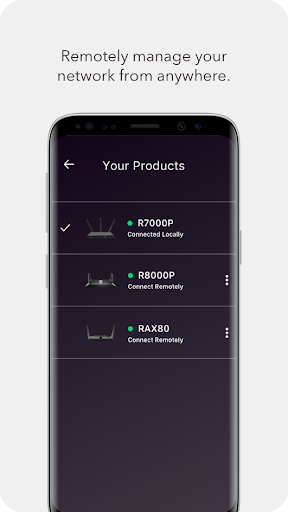
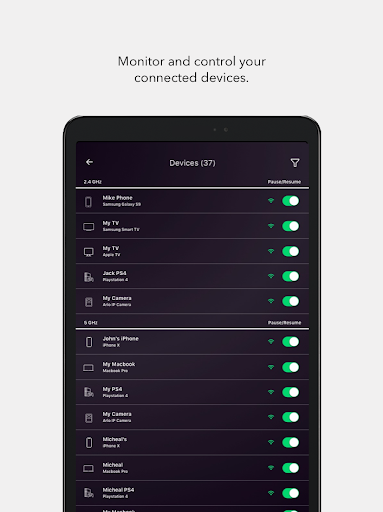
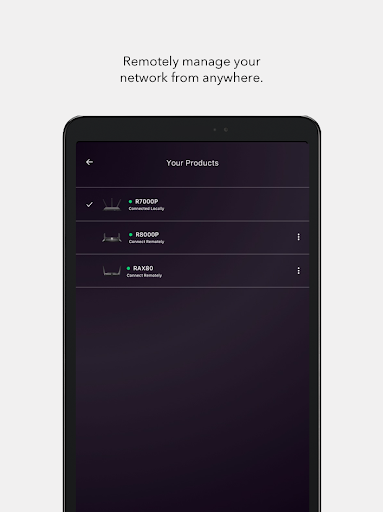
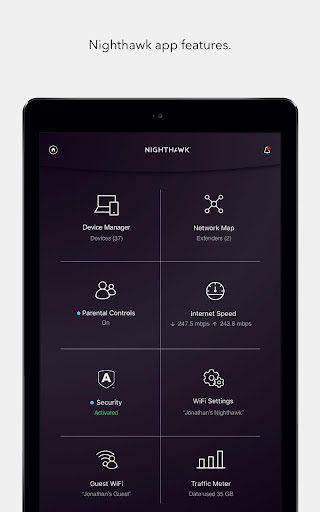
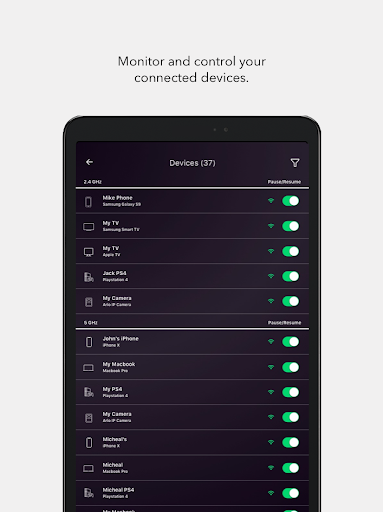
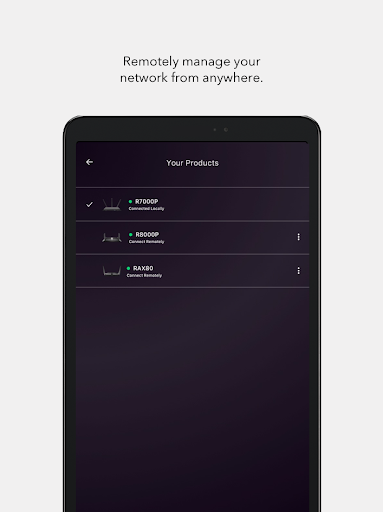
📡 Anywhere Access lets you monitor and control your home network remotely, which is useful for secure access planning, vendor connectivity, and subscription-based device setups.
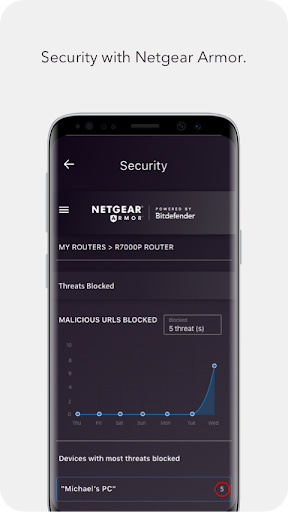
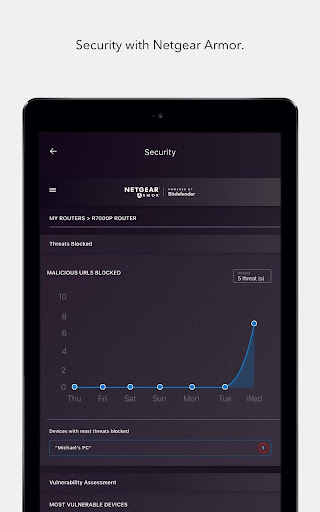
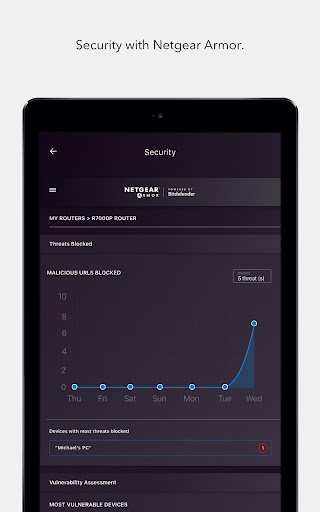
🛡️ Armor Security focuses on advanced cybersecurity to reduce online threats across devices, helping protect smart home systems, streaming accounts, and payment-related activities.
👨👩👧 Smart Parental Controls use Circle® on NETGEAR to filter content and limit time online, supporting responsible usage policies for families and shared households.
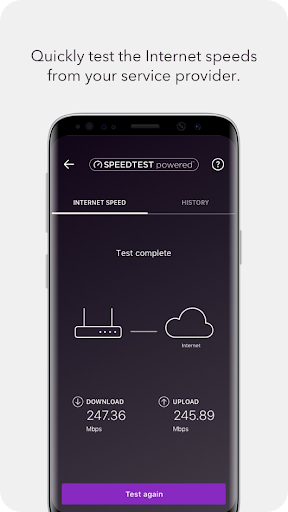
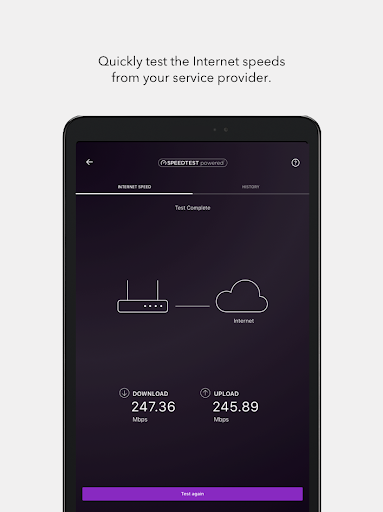
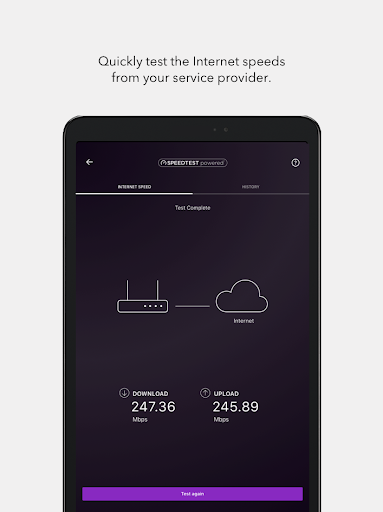
⏱️ A built-in Speed Test shows whether your internet broadband speeds match what you pay for, making it easier to validate ISP plans before renewing contracts.
🧳 Guest WiFi creates a separate, secure network for visitors, simplifying guest access and reducing risk when onboarding contractors, cleaners, or short-term renters.
📊 Traffic Meter tracks internet usage over time, which can support better budgeting decisions for metered connections, roaming add-ons, or multi-tenant environments.
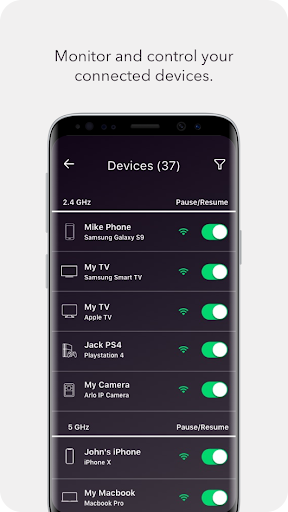
📲 You can also pause WiFi, update firmware, and manage key settings quickly, reducing downtime and improving reliability for remote work and online services.
🔁 The app, formerly the Up app, is positioned as a complete upgrade from the legacy NETGEAR genie app, with new features added over time.
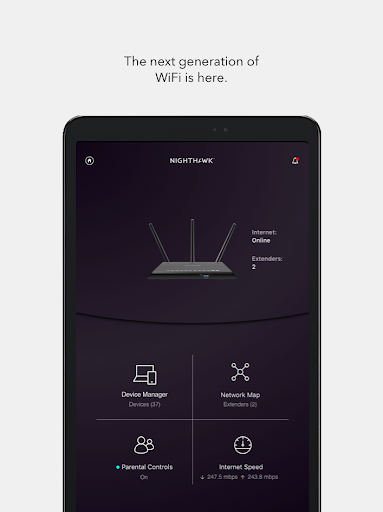
💡 Overall, it’s a management dashboard for high-stakes connectivity—ideal when you care about security posture, service continuity, and consistent performance.
2. Pros of NETGEAR Nighthawk WiFi Router App
✅ 1. Anywhere Access for real-time oversight supports SaaS users, remote employees, and subscription renewals by keeping network control one tap away.
🧠 2. Smart Parental Controls with Circle® make it simple to enforce content filtering and time limits without complex technical setup.
🛡️ 3. Armor Security adds meaningful protection across all connected devices, helping reduce exposure to common online threats and safer browsing habits.
🔎 Beyond those headline benefits, the app’s Speed Test, Guest WiFi, and Traffic Meter work together to create a more accountable, measurable network experience.
📈 That combination helps you spot issues faster, verify performance after changes, and manage access policies more confidently.
3. Cons of NETGEAR Nighthawk WiFi Router App
⚠️ 1. Feature depth may feel overwhelming at first, especially for users who want simple “set and forget” connectivity.
🔧 2. Advanced security settings and controls might require more attention than casual users expect, particularly if you’re managing many device types.
📶 3. Performance results from Speed Test depend on conditions, so occasional discrepancies can create confusion about whether the problem is WiFi or the ISP.
🧾 In practice, those limitations can matter if you need immediate resolution for enterprise-like uptime, time-sensitive payments, or mission-critical streaming.
⏳ Still, many downsides are typical of router companion apps and improve once you learn the workflow.
4. Summary
📝 The NETGEAR Nighthawk app feels like a practical upgrade for people who treat WiFi as a service, not just a utility, especially in work-from-home and small-business settings.
🔒 Armor Security, guest separation, and remote access create a stronger baseline for safer online behavior across phones, laptops, and smart devices.
📊 The Traffic Meter and Speed Test are particularly valuable because they turn “it feels slow” into measurable insights you can act on.
👨👩👧 For families, Circle® makes parental management straightforward, which can reduce conflict and support healthier device habits.
💳 While no app is perfect, this one strikes a good balance between control, visibility, and everyday convenience.
🌐 If you care about reliability, security, and smoother onboarding for guests or contractors, it’s an app worth installing.
5. How to Download the NETGEAR Nighthawk WiFi Router App
📥 To get the NETGEAR Nighthawk WiFi Router app, download it from our website as the landing page describes.
🧭 After installing, open the app, follow the setup prompts, and connect it to your NETGEAR router for remote monitoring and control.
🔄 Once set up, you’ll be able to manage features like Anywhere Access, Armor Security, Guest WiFi, Speed Test, and Traffic Meter.
🧾 If you need router-specific help, the landing page suggests visiting http://www.support.netgear.com for more guidance.
✅ Overall, the download and onboarding process is designed to get you managing your network quickly, so you can focus on your work, subscriptions, and daily online activities.
NETGEAR Nighthawk WiFi Router
Version 2.52.1.5377 Updated 2026/03/27


