

TradingView: Track All Markets
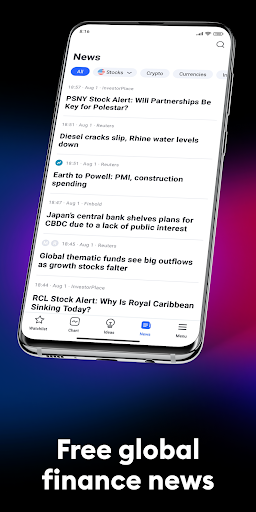
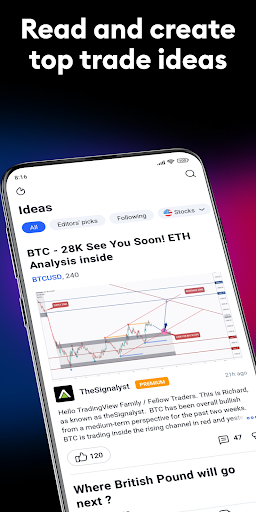
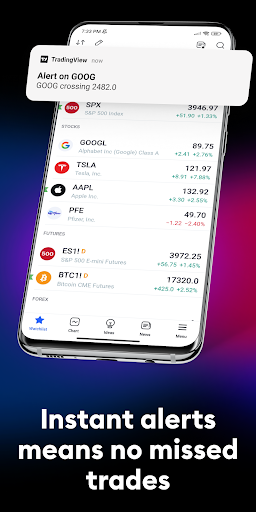
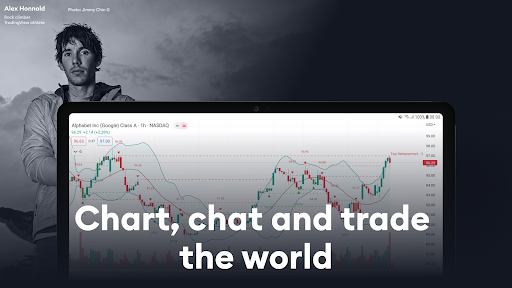

TradingView: Track All Markets App Info
-
App Name
TradingView: Track All Markets
-
Package Name
com.tradingview.tradingviewapp
-
Developer
TradingView Inc. -
Category
Finance -
Updated
2026/04/15
-
Version
1.20.72.0.1002165
TradingView App: Analyse the Markets from Anywhere
TradingView is more than a mobile trading app. It is a market analysis platform designed for people who want to follow price movements, study charts and keep important instruments within reach. From stocks and Forex to cryptocurrencies, indices and commodities, the app brings a broad range of market information into one mobile workspace.
Rather than trying to replace every desktop workflow, TradingView app works particularly well as a companion for checking markets, reviewing setups and receiving alerts while away from a computer.
What Can You Do with TradingView?
📊 Build a Mobile Market Dashboard
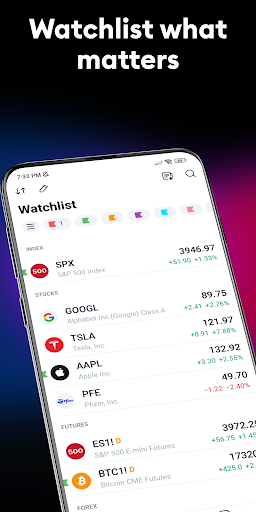
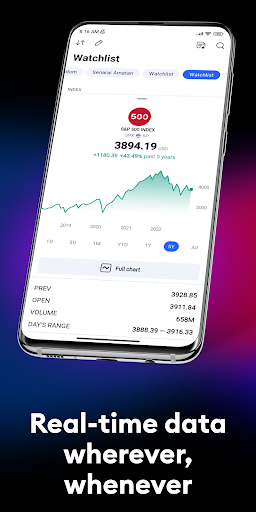
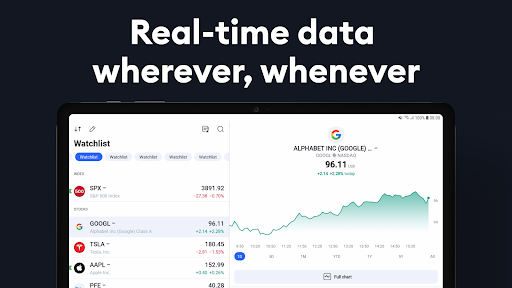
After you download TradingView, you can create watchlists around the markets that matter most to you. A long-term investor might follow major indices and individual stocks, while a crypto user could organize several digital assets in a separate list.
This makes the app useful for different routines instead of forcing every user into the same workflow.
📈 Study Price Action with Flexible Charts
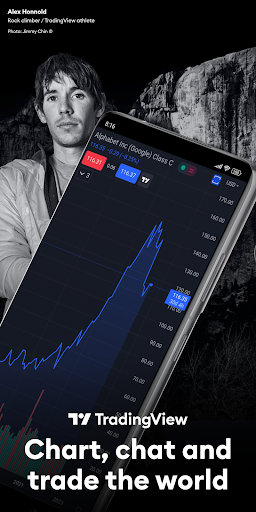
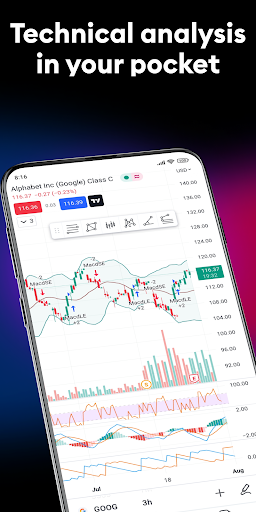
Charting is one of the strongest reasons to use TradingView. Users can switch between different chart styles and apply technical analysis tools to examine price movements from different perspectives.
Indicators, drawing tools and techniques such as moving averages, Gann analysis and Elliott Wave can be useful for users who want to investigate market structure rather than simply check the latest price.
🔔 Use Alerts Instead of Watching the Screen
You do not need to keep a chart open all day. Custom alerts can notify you when a market reaches a chosen price or meets a specific condition.
For busy users, this turns TradingView into a market-monitoring tool that can quietly watch selected instruments while they focus on work, travel or other activities.
Where TradingView Fits Best
For beginners: Start with a small watchlist and basic charts before experimenting with advanced indicators.
For active traders: Use alerts and saved chart layouts to monitor potential market movements without constantly checking prices.
For investors: Follow stocks, indices, ETFs and commodities in one place when reviewing a broader market portfolio.
For crypto users: Compare cryptocurrency prices and market movements without switching between multiple tracking apps.
TradingView App: Strengths and Limitations
Strengths
-Broad coverage of financial markets and instruments.
-Powerful charting tools suitable for detailed technical analysis.
-Watchlists and alerts make mobile monitoring more practical.
-Account synchronization helps maintain a consistent workflow across devices.
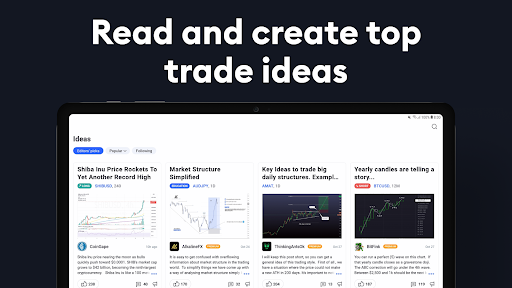
-A large trading community provides ideas and market discussions.
Limitations
-The number of tools can feel overwhelming when you first install TradingView.
-Some advanced capabilities may depend on the selected subscription plan.
-Serious chart analysis can still feel more comfortable on a larger desktop display.
Is TradingView Good for Beginners?
TradingView can be a good starting point for users who want to learn how markets behave, but beginners do not need to use every indicator immediately.
A practical approach is to begin with price charts and a few familiar instruments, create a simple watchlist, and gradually explore technical analysis tools. This makes the TradingView app easier to understand without turning the first experience into an overly complicated trading dashboard.
Our Take on TradingView
TradingView stands out because it combines market data, chart analysis, alerts, watchlists and a trading community in one platform. Its real value is not simply the number of available indicators, but the flexibility to build a market-monitoring workflow around your own interests.
For users who frequently move between desktop and mobile devices, TradingView download can be particularly useful for keeping an eye on markets when a full workstation is unavailable. However, users should remember that market analysis tools do not guarantee profitable investment decisions.
If you want a flexible way to follow financial markets, study charts and receive timely notifications, TradingView app remains a strong option for both newcomers and experienced market watchers.
TradingView: Track All Markets
Version 1.20.72.0.1002165 Updated 2026/04/15


