

Kahoot! Play & Create Quizzes

Kahoot! Play & Create Quizzes App Info
-
App Name
Kahoot! Play & Create Quizzes
-
Package Name
no.mobitroll.kahoot.android
-
Developer
Kahoot! -
Category
Education -
Updated
2026/04/08
-
Version
6.6.3.1
Kahoot! Play & Create Quizzes App Usage Overview
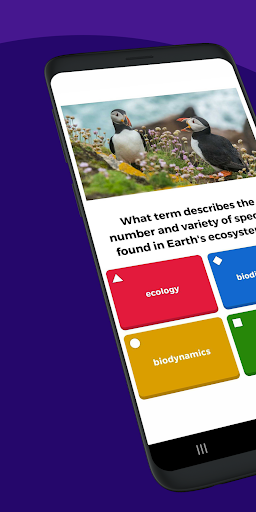
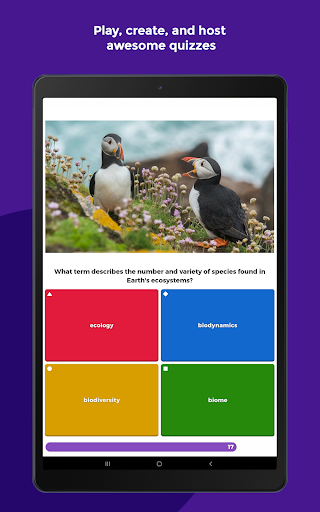
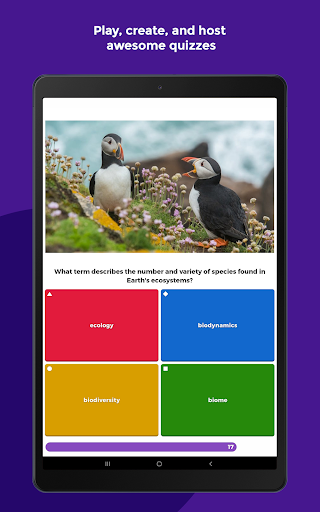
🚀 Kahoot! Play & Create Quizzes turns learning into fast, game-like rounds that work across classrooms, homes, and corporate training sessions.
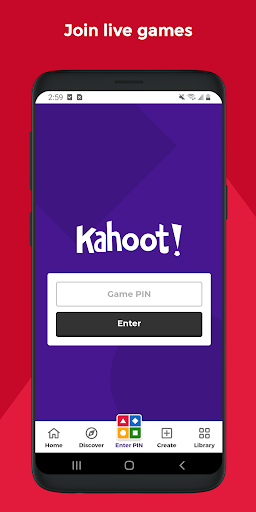
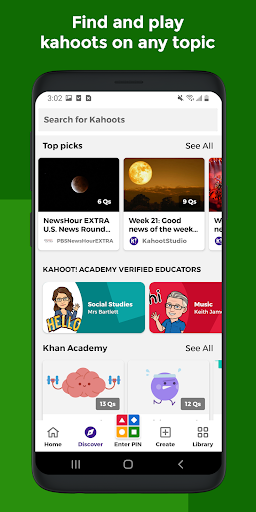
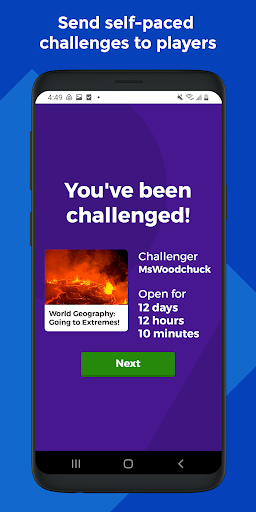
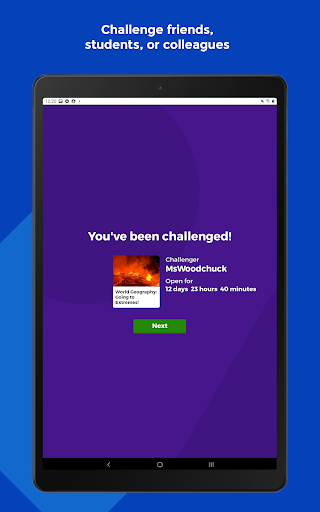
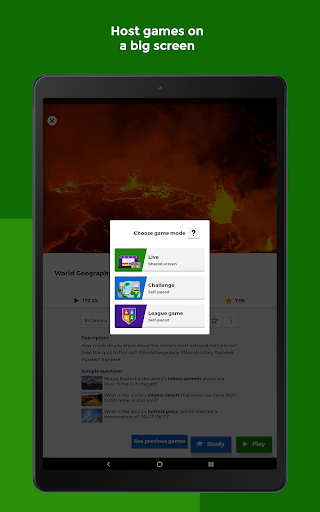
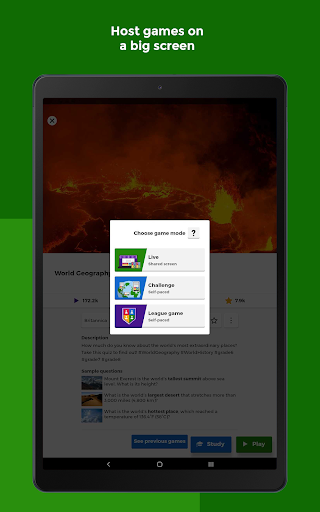
🎮 You can play live “kahoots” where learners submit answers from their phones, and you can also choose self-paced challenges for review.
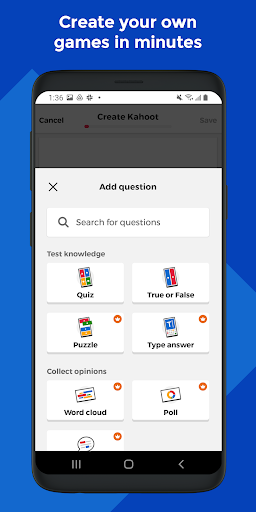
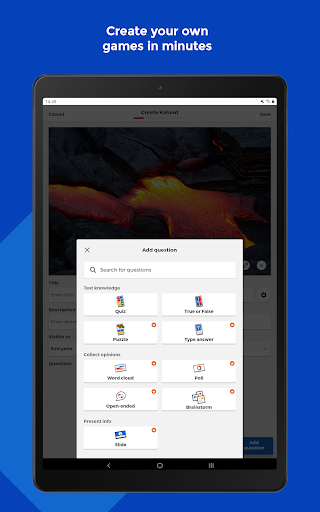
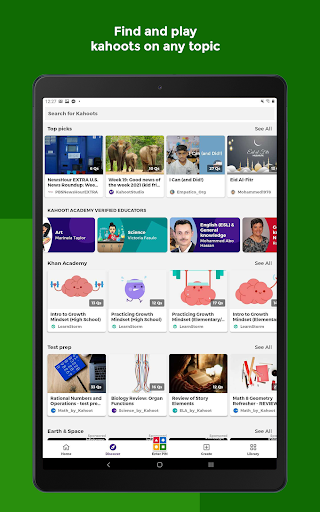
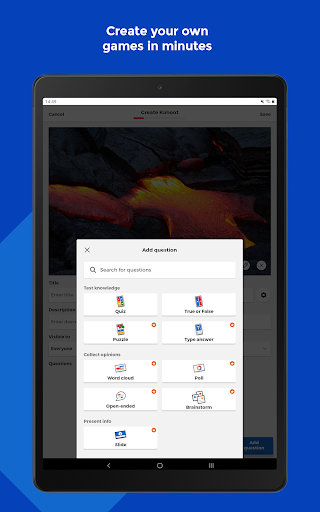
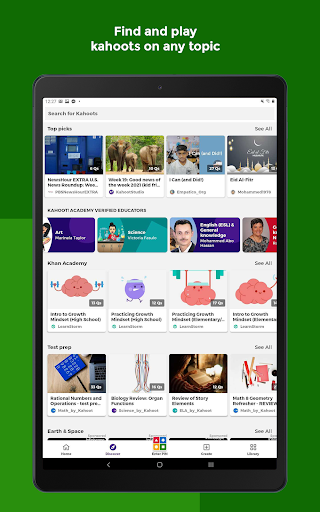
🏗️ The app supports both discovery and creation, letting teachers, students, and teams find ready-made content or build custom quizzes with images and videos.
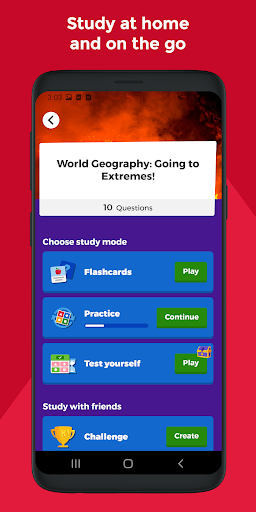
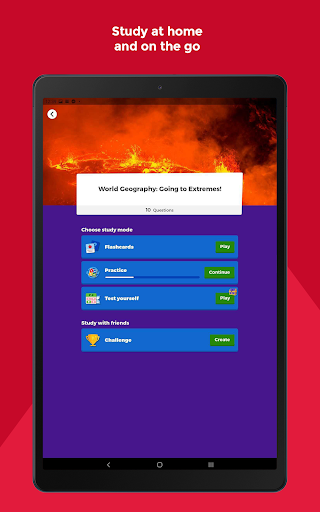
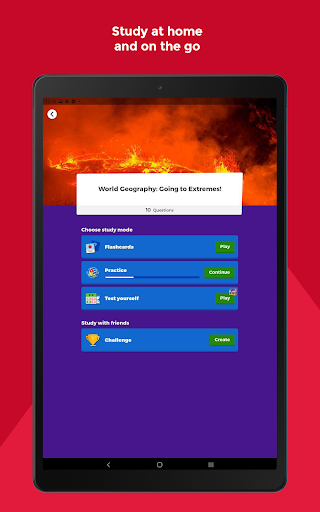
📚 For study and progression, the experience extends beyond a single session through flashcards and smart study modes designed for steady improvement.
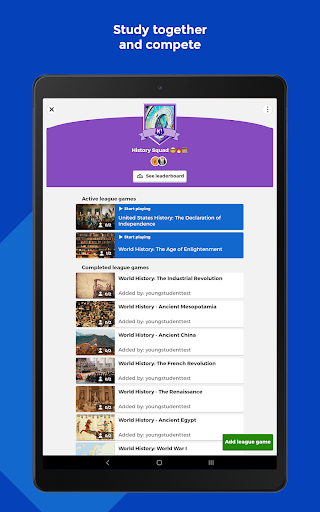
🏫 In schools, it fits different teaching moments: live participation during lessons, virtual delivery for distance learning, and assigned practice for reinforcement.
🏢 At work, the same quiz mechanics help organizations run engaging onboarding, knowledge checks, and internal events without complicated setup.
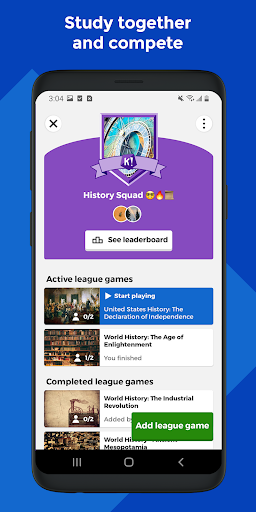
🧠 Built-in reporting and challenge assignment help educators and business users track results, while keeping sessions interactive and measurable.
🌍 The landing-page highlights also note multilingual availability, which supports broader adoption for diverse student and employee audiences.
💳 Paid upgrades unlock advanced tools, including an expanded image library and advanced question types like puzzles, polls, open-ended prompts, and slides.
📌 In short, it’s a learning platform that blends entertainment with structured content creation and performance tracking.
Pros of Kahoot! Play & Create Quizzes App
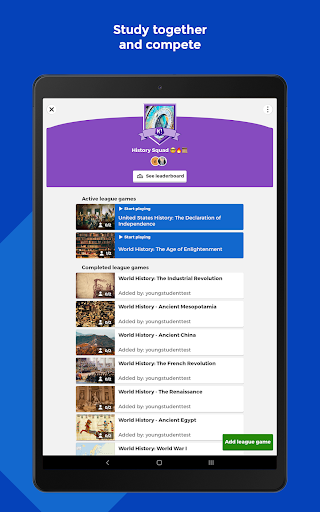
✅ First, it boosts engagement with live, quiz-based gameplay that motivates students and learners to answer quickly and collaborate mentally.
✨ Second, it offers flexible participation modes, including in-class live games, virtual play, and self-paced challenges that fit different schedules.
🏆 Third, it supports both search and creation, so teachers and teams can start from millions of ready-to-play kahoots or design branded content quickly.
🧑🏫 For classroom planning, the mix of question formats increases variety, which can help reduce boredom and support multiple learning styles.
📈 For enterprise learning initiatives, the ability to assign self-paced challenges and review outcomes through reports adds a practical feedback loop.
📣 For training and internal communications, polls, word-cloud questions, and interactive prompts make it easier to capture audience understanding.
Cons of Kahoot! Play & Create Quizzes App
⚠️ First, advanced features require a paid subscription, so some higher-value question types and the larger media library may be limited for free users.
🕒 Second, creating polished, image-rich quizzes takes time, which can feel heavy when teachers or teams need fast turnaround for lessons.
📶 Third, live play works best with stable device access and connectivity, so interruptions can disrupt pacing and reduce learning momentum.
🎯 Also, the game format can sometimes overemphasize speed, meaning slower readers may need additional support for fair participation.
🧩 Finally, teams aiming for complex compliance-style assessments might find the quiz experience less customizable than dedicated training systems.
Summary
📝 Kahoot! Play & Create Quizzes feels like a practical bridge between entertainment and instruction, especially when you want high participation without heavy setup.
🎓 For educators, it’s compelling because you can go from idea to live quiz quickly while still tracking learning outcomes for review.
🏢 For corporate teams, it can support onboarding, enablement, and event engagement, and the reporting helps connect interaction to results.
💡 As a lifelong learning tool, it encourages repetition through study modes and lets you revisit topics by finding or remixing kahoots.
💳 The paid upgrade path also makes sense commercially, since advanced media and question types align with higher engagement goals and training budgets.
🌟 Overall, Kahoot! delivers an approachable, scalable quiz engine that works from school desks to office meeting rooms—while staying fun.
How to Download the Kahoot! Play & Create Quizzes App
📲 You can download Kahoot! Play & Create Quizzes from the app’s official website, where you’ll find the available options for your device.
🛠️ Once installed, sign in and start playing live kahoots or jump into creation to design your own quizzes with question types and media effects.
🔎 If you’re preparing for education, tutoring, or enterprise training, you can search topics first, then tailor content for your audience.
🧾 For premium features, review the subscription options on the site to unlock advanced assets and question formats.
Kahoot! Play & Create Quizzes
Version 6.6.3.1 Updated 2026/04/08


