

HP




HP App Info
-
App Name
HP
-
Package Name
com.hp.printercontrol
-
Developer
HP Inc. -
Category
Productivity -
Updated
2025/12/02
-
Version
20.2.0.6076
HP Smart App Usage Overview
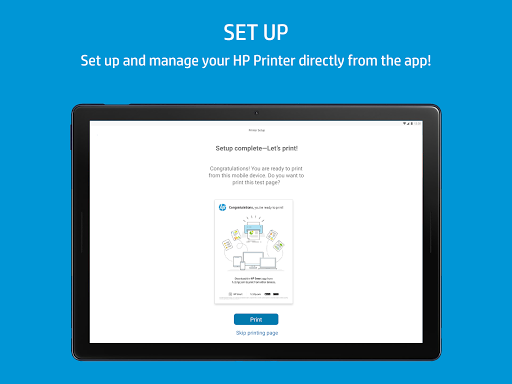
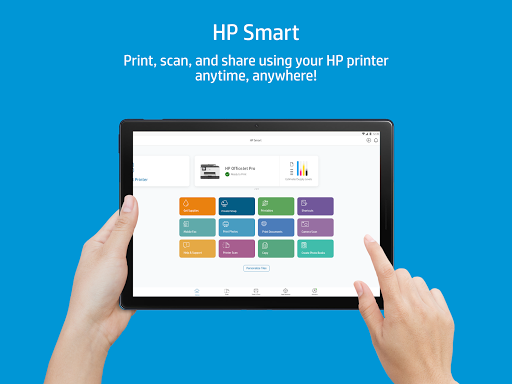
⚙️ The HP app is the go-to hub for setting up, managing, and supporting HP printers and scanning workflows in one place.
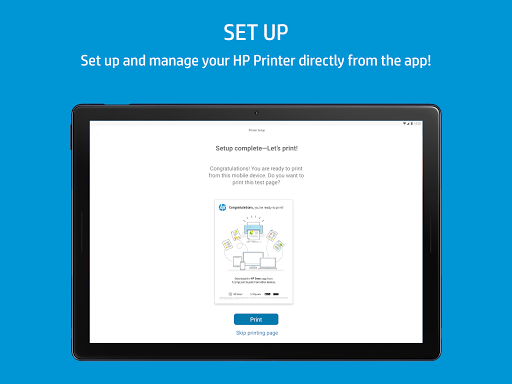
📱 It guides new device setup, checks essentials like ink levels, and helps you stay on top of the everyday tasks that keep teams productive.
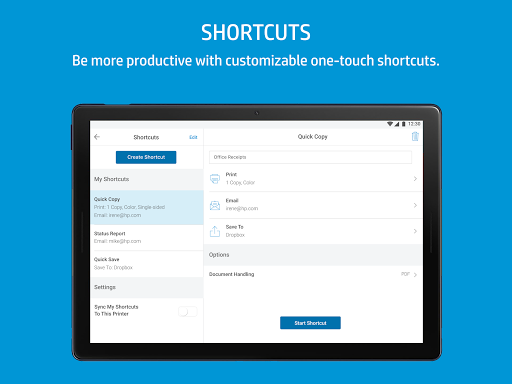
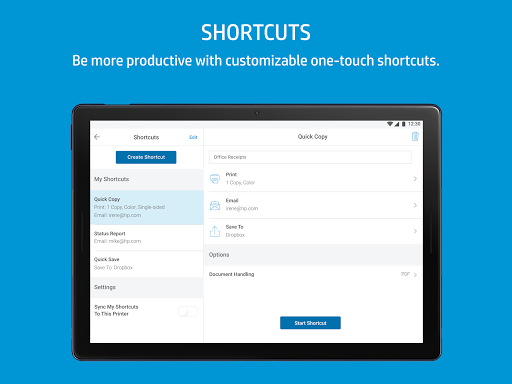
🧭 With an intuitive dashboard, you can personalize the experience, adjust device settings, and follow recommendations tailored to your setup.
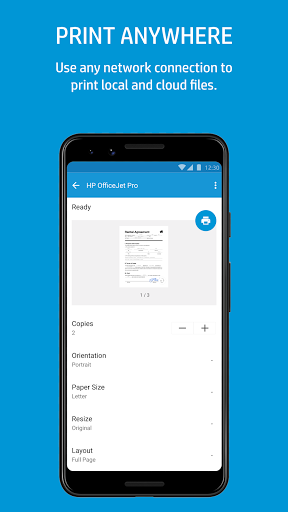
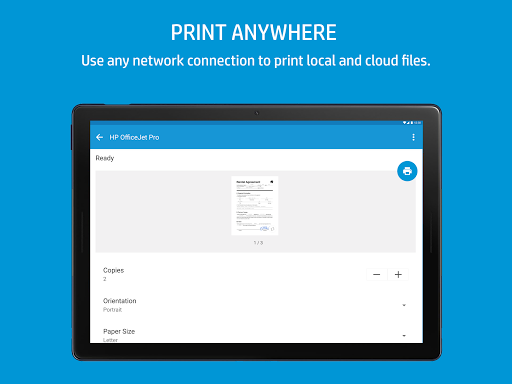
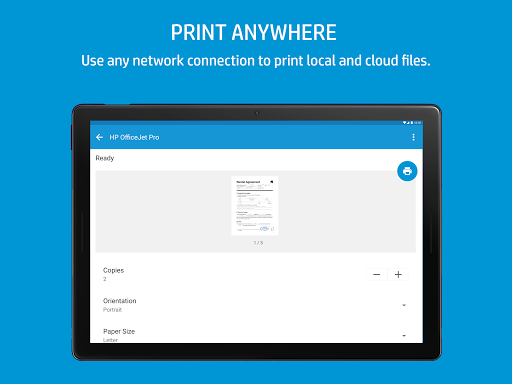
🖨️ Printing and scanning are designed to work on your time, whether you are at home, in an office, or handling quick last-minute documents.
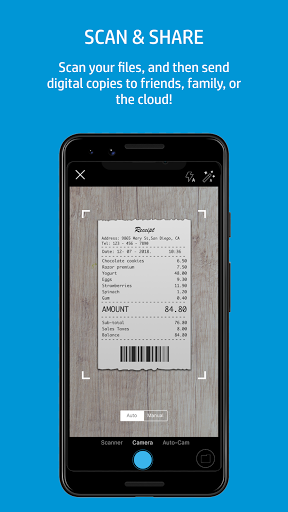
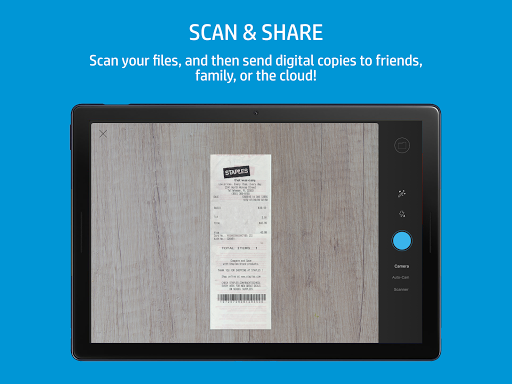
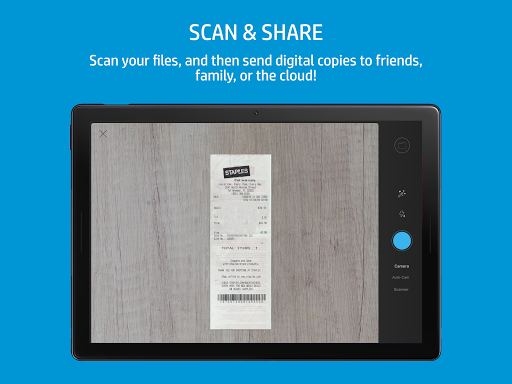
📤 You can print forms, scan receipts in seconds, and send results to email for faster recordkeeping, billing support, and internal approvals.
💬 When something breaks or fails, the app brings help closer, including messaging, live chat, and support options depending on region and hours.
🎛️ The app also includes tools to edit scanned documents before printing, which is useful for document processing and compliance-minded workflows.
🗂️ Digital capture and sharing are simpler because you can scan documents for storage and distribution without complex steps.
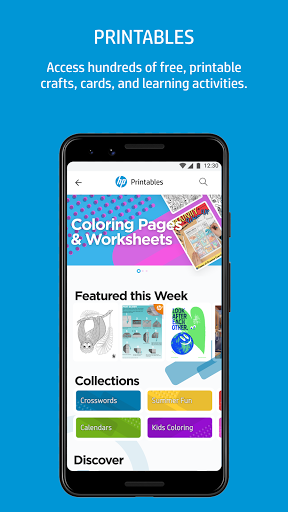
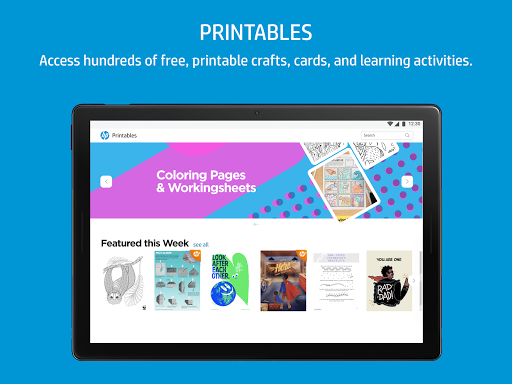
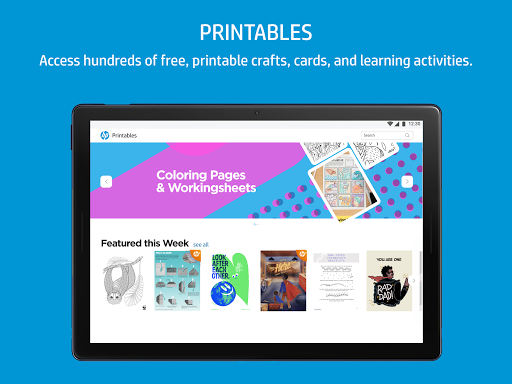
🖼️ Beyond standard printing, features like printing photos and HP Printables support personal and workplace creative needs.
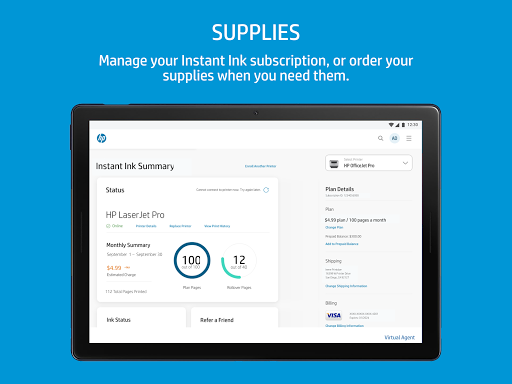
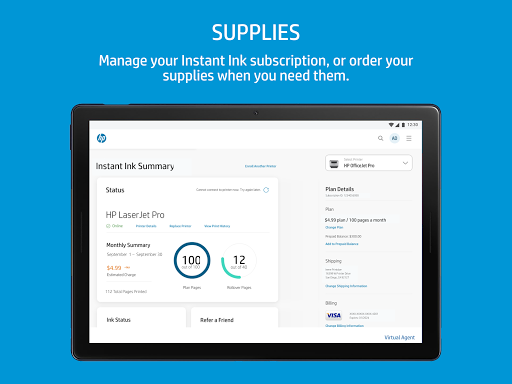
🧾 For operational continuity, the app includes notifications for low ink or paper and makes it easier to reorder supplies.
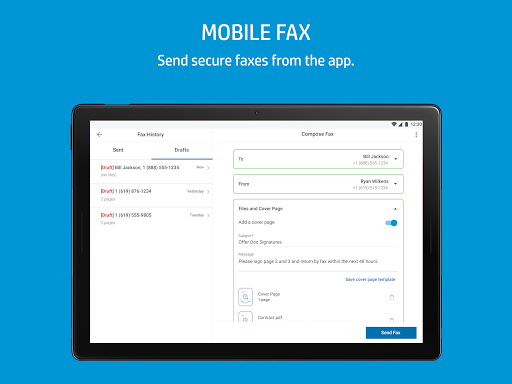
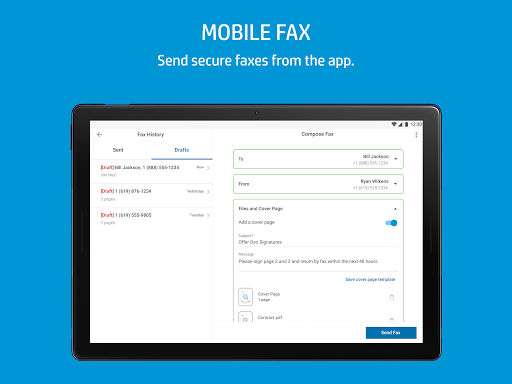
🧰 It also supports fax sending and receiving directly in the app, which can matter for regulated workflows and legacy business processes.
🧷 Finally, the app includes a warranty check tool so users can track coverage, supporting procurement planning and device lifecycle management.
Pros of HP Smart App
✅ One app reduces friction by combining setup, device management, printing, scanning, and support into a single workflow.
✅ 🚀 Guided setup helps new users become productive fast, which lowers IT burden for small teams and home offices.
✅ 🧠 Personalization and recommendations help you optimize settings, discover compatible products, and keep operations aligned with real needs.
✅ 📸 Photo printing and creative tools like HP Printables expand use cases beyond standard documents for education and marketing prep.
✅ 🧾 Quick receipt scanning supports expense workflows, making it easier to maintain records for finance and reimbursement processes.
✅ 🛟 Built-in assistance options reduce downtime by helping you resolve issues without hunting through manuals or separate portals.
✅ 🔔 Supply notifications help avoid interruptions, supporting subscription-like continuity for printing needs across ongoing projects.
Cons of HP Smart App
⚠️ Limited compatibility can affect some HP devices, services, and features, so not every workflow may be available on every model.
⚠️ 🌐 Internet access and an HP account are required for full functionality, which can be a constraint for strict IT environments.
⚠️ 📍 Support features vary by country, and help methods like live chat and phone availability may not match your location.
⚠️ 📨 Fax capability is specific and can be subject to regional or device constraints, so it may not replace all office systems.
⚠️ 🗣️ Certain features are English-only in supported regions, which may limit accessibility for international teams.
⚠️ 🧮 Some premium functionality may introduce charges for selected app capabilities, which matters for budgeting.
Summary
🧾 Overall, the HP app feels built for practical business and personal printing lives, combining control, help, and document capture.
👍 Its strongest value is reducing time-to-results, from guided setup to scanning, sending, and ordering supplies when you are low.
📌 For people who manage printer fleets, the warranty check and device monitoring features support clearer planning and fewer surprises.
💡 The creative layer, including HP Printables and photo printing, adds a useful bonus for classrooms, small offices, and everyday makers.
🔍 Still, compatibility and region-based support limitations mean you should verify your printer model and expected features before relying on it.
🏢 If your workflows involve recurring documents, receipts, and approvals, this app can support smoother document processing and faster turnaround.
🛡️ For security-minded users, the reliance on accounts and online access should be considered alongside your internal policies.
📈 In short, it is a solid productivity tool that turns a printer into a managed service experience rather than a standalone device.
How to Download the HP Smart App
⬇️ You can download the HP app from the official website, which is referenced as www.hp.com/hp-app.
📲 After installation, open the app to follow guided setup for your HP printer, then configure scanning and printing preferences.
🧑💻 For full functionality, sign in with your HP account and ensure your device meets requirements for internet access and supported features.
🔁 To stay current, enable auto-updates so you benefit from improvements and new features as HP rolls them out.
🧰 If you manage printing for multiple users or rooms, you can reuse setup steps and keep settings consistent across your devices.
🏁 Once configured, the app becomes your central command for printing, scanning, supply notifications, and quick support access.
🧾 Finally, review available terms of use at www.hp.com/hp-app-terms-of-use to understand functionality, support scope, and any applicable charges.
HP
Version 20.2.0.6076 Updated 2025/12/02


