

Microsoft Copilot
Microsoft Copilot App Info
-
App Name
Microsoft Copilot
-
Package Name
com.microsoft.office.officehubrow
-
Developer
Microsoft Corporation -
Category
Productivity -
Updated
2025/08/27
-
Version
16.0.19127.20172
1. Microsoft Copilot App Usage Overview
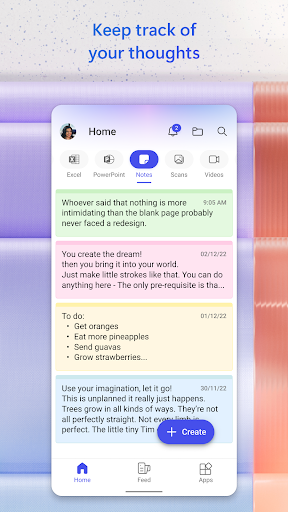
🚀 Microsoft Copilot is built for work, helping you move from early ideas to finished documents, presentations, and spreadsheets without jumping between tools.
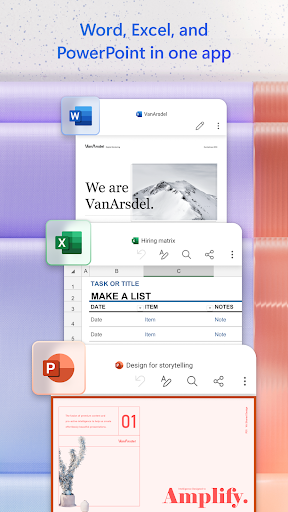
💼 It connects to Word, Excel, PowerPoint, Outlook, Teams, and more, bringing your files and information into one place for faster drafting and answering.
🔍 You can ask questions grounded in what you already use, then get clear explanations, summaries, and next steps that fit the context of your tasks.
📝 For content creation, Copilot helps draft polished documents, propose structure for reports, and generate slides that match your intent and audience.
📊 For analysis, it supports spreadsheet work like summarizing data, comparing sets, and turning messy inputs into understandable insights.
📧 For communication, Copilot can draft email and text replies with a tone you choose, so you can respond quickly while keeping messaging consistent.
📅 For productivity planning, it helps you organize your day with personalized schedules and prioritization, especially when you’re juggling multiple deadlines.
🧠 For research and learning at work, Copilot can explain complex concepts and summarize long articles, reports, and documents in seconds.
📚 For project management, it helps brainstorm business ideas, organize your next project, and create organized plans you can act on immediately.
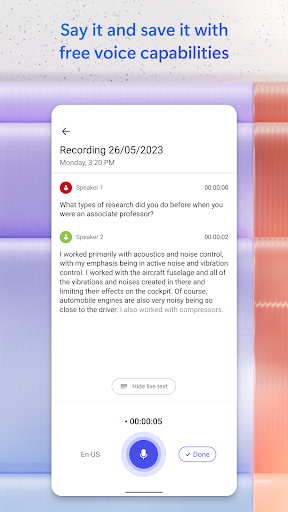
🎙️ For hands-free workflows, you can talk naturally using voice or upload files to get answers without manual searching and copy-pasting.
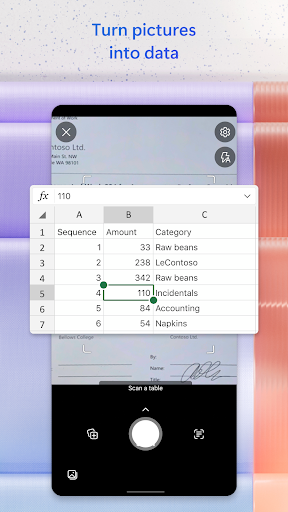
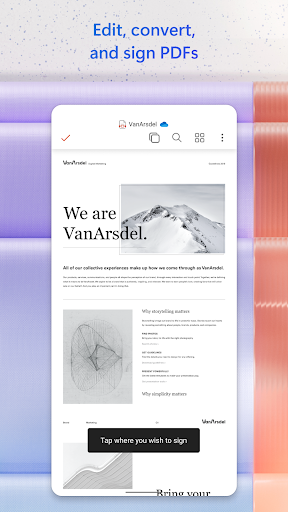
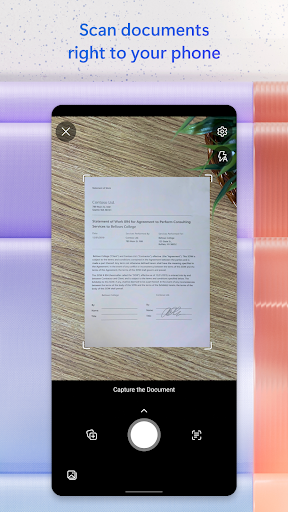
📎 You can also upload Word, Excel, PowerPoint, images, or PDF files directly from your phone, then ask questions or request summaries on the spot.
🏗️ For bigger outcomes, Cowork lets Copilot handle multi-step tasks and produce finished work products, not just suggestions for what to do next.
🧭 For governance-minded teams, Copilot can be configured within Microsoft 365, supporting work continuity through memory and the files you access most.
🛡️ If your organization has a Microsoft 365 Copilot subscription, Work IQ provides deeper understanding of work, people, and relationships for more relevant assistance.
🔐 Security is enterprise-grade, built on the same foundation as Microsoft 365, with protections aligned to your existing permissions and compliance commitments.
⚠️ Feature availability can vary by license, and some capabilities may require specific subscriptions or may be disabled by administrators.
🧾 For legal and terms context, you should review Microsoft’s EULA and the Microsoft 365 Copilot mobile license terms before installing and using the app.
2. Pros of Microsoft Copilot App
💰 Copilot can accelerate high-value business tasks like subscription renewal analysis, budgeting drafts, and executive-ready reporting from the same work context.
🏢 It consolidates work across Microsoft 365 apps, which reduces operational friction for teams handling enterprise workflows, compliance docs, and shared deliverables.
🧩 Grounded answers help reduce rework, because outputs can be tied to the articles, files, and information you already use at work.
📝 Cowork multi-step execution is useful for SaaS and enterprise teams that need repeatable outputs like proposals, customer communication packs, and project artifacts.
📊 It supports practical spreadsheet analysis, including comparing data and deriving explanations that finance, ops, and revenue teams can use quickly.
📅 Personalized scheduling helps busy professionals manage workloads, which matters for consulting, project delivery, and cross-team coordination.
📧 Drafting email replies with an appropriate tone can improve response consistency in client communications, support operations, and internal stakeholder updates.
📚 Summarization in seconds is valuable when you review contracts, policy documents, onboarding materials, and long reports under time pressure.
🔎 Researchers and strategists can brainstorm business ideas and organize next actions, useful for product planning and growth initiatives.
🧠 The ability to explain complex concepts in clear terms supports training, knowledge transfer, and faster ramp-up for new hires.
📎 Mobile uploads make it easy to ask questions about PDFs and documents on the go, which supports field work and remote execution.
🧷 With memory and file connectivity, you can pick up where you left off, improving continuity for recurring tasks and ongoing projects.
🧾 For enterprises with Work IQ, the assistance can be more intelligent and relevant, supporting decision-making and trusted collaboration across teams.
🛡️ The enterprise security foundation helps organizations rely on the protections already in place, including permissions, encryption, and compliance commitments.
🎯 Finally, Copilot’s multi-model choice lets you select the approach best suited for writing, research, planning, analysis, brainstorming, or creative work.
3. Cons of Microsoft Copilot App
⚠️ Copilot outputs still require human review, especially for regulated domains like payments, tax-adjacent workflows, or contract interpretations.
🧮 If your spreadsheet inputs are incomplete or messy, analysis results may reflect the quality of the underlying data rather than correcting it.
🔒 Some capabilities may be limited by licensing, and admins can disable features, which can affect consistency across organizations.
📉 Pricing and subscription models can create adoption friction for smaller teams that need high usage but don’t have a full enterprise plan.
🧭 While answers are grounded in your work, the “best” response depends on how you ask, including the clarity of your prompt and goal.
🗂️ Relying heavily on connected files means poor organization can slow you down, since Copilot needs relevant content to ground responses.
📱 Mobile workflows are convenient, but long tasks may still feel easier on desktop for document layout, detailed editing, and complex tables.
📝 Drafted text can require additional refinement, particularly when you need strict branding, compliance wording, or highly formal templates.
🧠 Model selection flexibility is helpful, yet non-technical users might not understand when to switch models for research versus creative work.
🏗️ Multi-step “Cowork” tasks are powerful, but they can be harder to steer if requirements change mid-process during a project sprint.
🔍 Summaries are fast, but you might still miss key details without follow-up questions, especially for dense legal, audit, or policy documents.
📨 Email drafts can sound appropriate, but tone control may still need iteration for sensitive customer disputes or executive-level messages.
🧾 Compliance documentation and privacy expectations vary by subscription, so teams should verify data processing and protection commitments.
🌐 Feature availability varies by region and tenant configuration, meaning performance and capability may differ across deployments.
4. Summary
✅ Microsoft Copilot feels like a practical AI assistant for work, designed to connect your tools, files, and information into one action-focused workflow.
🏦 For finance, SaaS operations, enterprise services, and subscription-heavy businesses, the ability to summarize, draft, and analyze quickly is a real productivity win.
📈 The standout strength is grounded help across documents and collaboration platforms, which can reduce the time spent searching, rewriting, and reconciling drafts.
🧰 Cowork’s multi-step execution also makes it easier to turn planning into deliverables like reports, spreadsheets, and slide decks.
🧑💼 Still, Copilot is not a magic replacement for judgment, and results should be reviewed for accuracy, especially in payments, compliance, and contractual contexts.
🧠 When you use it with clear goals and well-prepared source files, Copilot can noticeably improve speed, consistency, and clarity across day-to-day work.
📱 For mobile professionals, file uploads and voice interaction add convenience, especially when you need quick answers during meetings or site visits.
🛡️ If your organization already uses Microsoft 365 and has a suitable Copilot subscription, the security model and permission alignment are important advantages.
🎯 Overall, it’s a strong addition to modern enterprise workflows, particularly for teams that need trusted assistance to move from idea to finished content.
🚀 If you’re considering adoption, start with one workflow—like report drafting, meeting preparation, or spreadsheet summaries—then expand as you learn.
5. How to Download the Microsoft Copilot App
⬇️ You can download the Microsoft Copilot app from our website, then sign in to start using it for work-related drafting, analysis, and summarization.
📲 After installation, connect the app to your Microsoft 365 environment so Copilot can access the files and information relevant to your tasks.
🔎 If features don’t appear, check your organization’s license assignment or confirm whether your admin has enabled the specific capabilities.
🧾 Before heavy use, review Microsoft’s EULA and the Microsoft 365 Copilot mobile license terms to understand obligations and usage conditions.
🧰 Once set up, begin with a simple request like “summarize this PDF,” “draft an email reply,” or “help me analyze this spreadsheet.”
📌 To get better results, be specific about your goal, desired format, and tone, and include key constraints you need for business communication.
🗓️ Finally, use Copilot consistently for planning and follow-through, so you can build a repeatable routine and reduce time spent managing work.
Microsoft Copilot
Version 16.0.19127.20172 Updated 2025/08/27


