

XBOX
XBOX App Info
-
App Name
XBOX
-
Package Name
com.microsoft.xboxone.smartglass
-
Developer
Microsoft Corporation -
Category
Entertainment -
Updated
2026/04/20
-
Version
2604.2.7
1. Xbox App Usage Overview
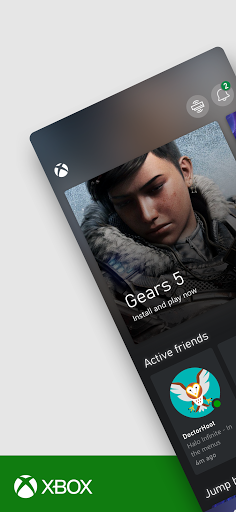
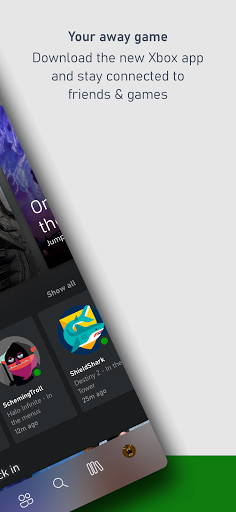
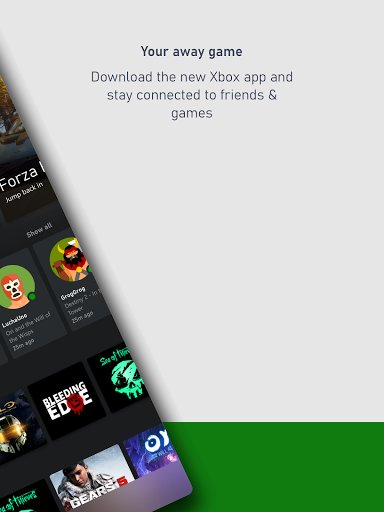
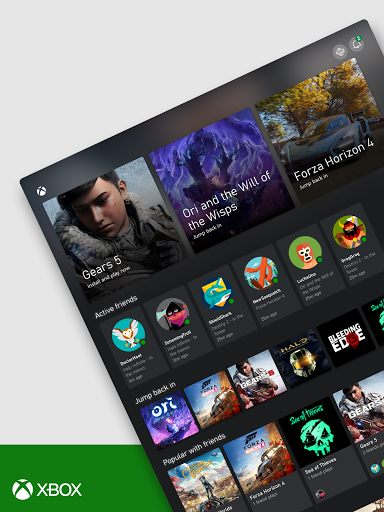
🎮 The Xbox mobile app keeps you connected to games and supported Xbox devices while you’re away from home.
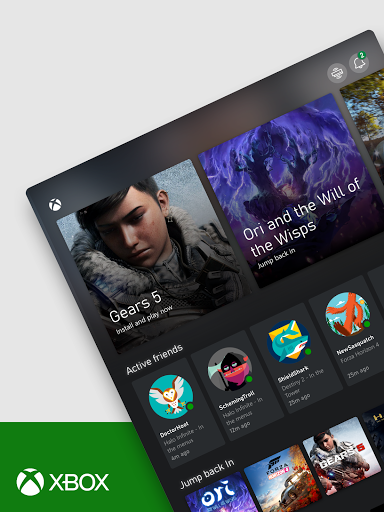
📱 You can browse, discover, and manage your gaming activity from your phone or tablet without jumping between apps.
🛒 Buy games you want directly in the app, which streamlines purchasing and reduces friction for subscribers.
🎯 Game Pass exploration is built in, including tailored recommendations and notifications for new games that match your tastes.
⏱️ Queue games to play ahead of time so your next session starts faster when you return to your console or PC.
🔔 You can set alerts for game updates, launches, and recommendations, helping you stay current with subscription value.
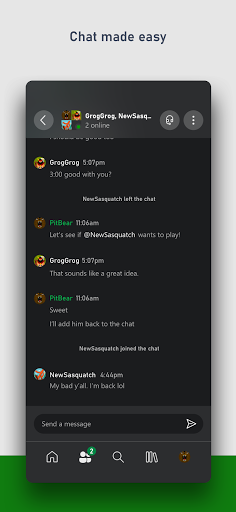
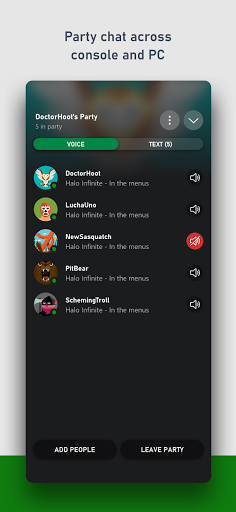
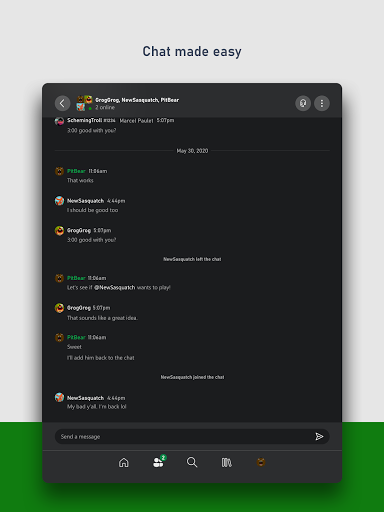
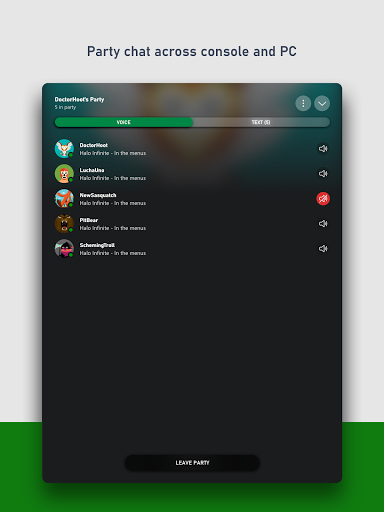
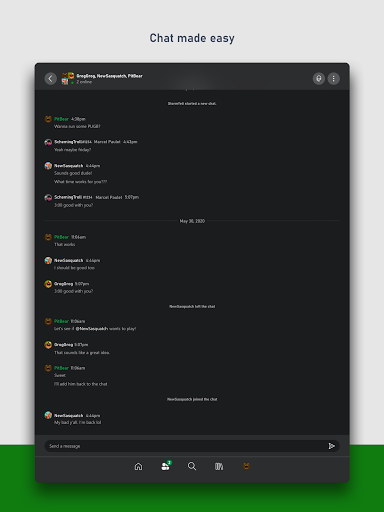
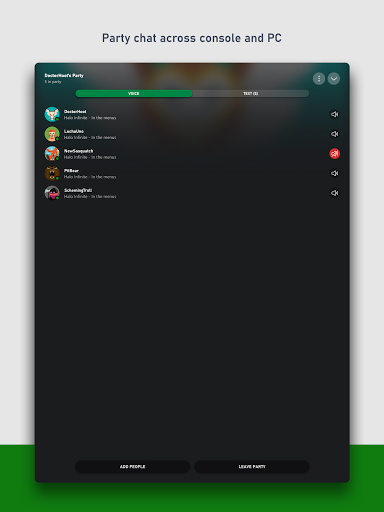
💬 Friends and parties can interact with you using voice and text chat, even if they’re on console or PC.
📣 You can receive game invite notifications, achievements, and messages in one place so important moments don’t get missed.
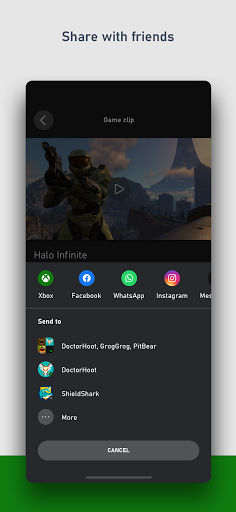
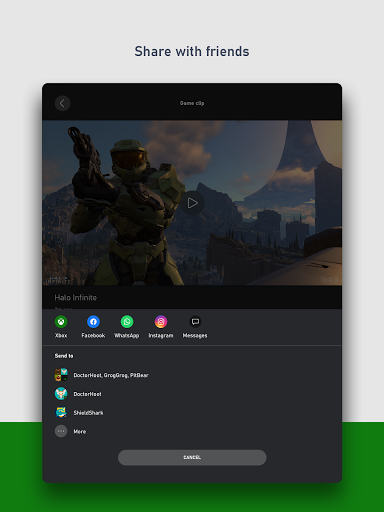
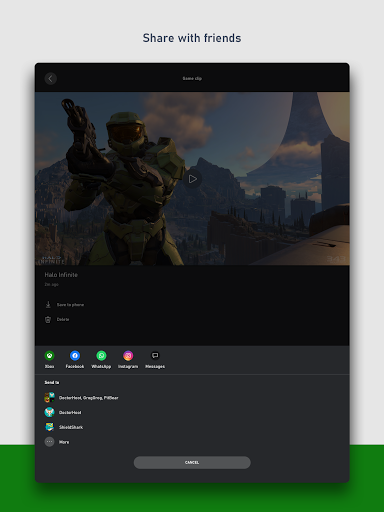
🧩 Sharing is part of the workflow, too, with the ability to share clips and screenshots to your favorite gaming and social networks.
🏆 Rewards support is included so you can track points, claim offers, and redeem rewards tied to your Xbox account.
🔒 The experience is governed by the Xbox App Agreement, referencing Microsoft’s mobile gaming software license terms for Android.
⚙️ Feedback options are also described, giving Microsoft the right to use feedback freely for product improvement and commercialization.
2. Pros of Xbox App
✅ The app centralizes subscriptions and game management, which appeals to high-LTV users and improves recurring engagement.
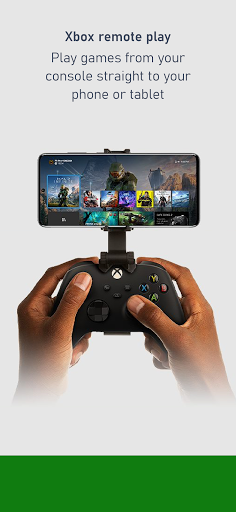
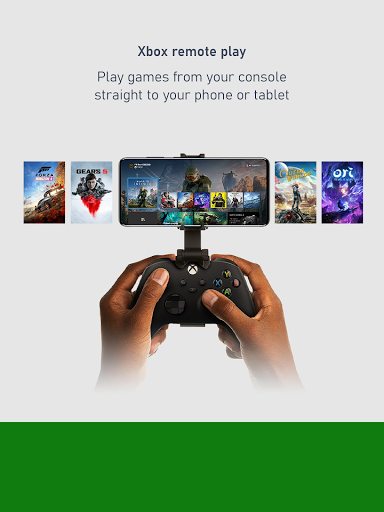
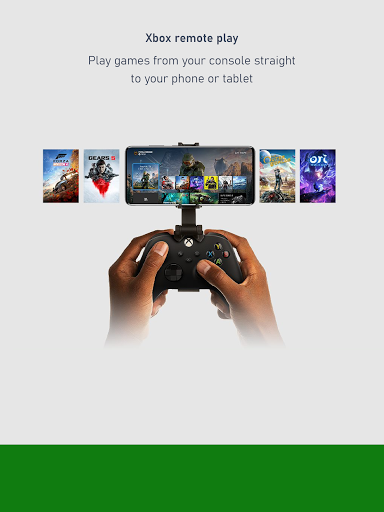
🚀 Remote console control includes installing games from your phone, making it convenient for busy schedules.
🎮 Game Pass value is easier to access, with customized recommendations and alerts that reduce discovery time.
🛡️ In-app purchasing helps users complete transactions quickly, which is attractive to advertisers connected to payments.
🗣️ Social connectivity is strong through voice and text chat for friends and parties across console and PC.
🏅 Achievements, messages, and invite notifications keep you informed, supporting retention and consistent interaction.
📸 Sharing clips and screenshots boosts community presence, making it useful for creator-style audiences and brands.
💰 Rewards tracking, claiming, and redemption add a tangible savings loop that fits finance-minded gamers.
🔔 Overall, it’s positioned as a “stay connected” hub that aligns with enterprise-like convenience and streamlined workflows.
3. Cons of Xbox App
⚠️ Some features feel dependent on account setup and supported devices, which can add onboarding steps for first-time users.
🧾 In-app purchases and subscription flows may feel confusing if you manage billing across multiple services.
📩 Notification volume can be high, so users who don’t want constant updates may need careful settings management.
🎧 Voice chat performance can vary with network quality, which may affect communication reliability on mobile data.
🖼️ Sharing game media is great, but it can be storage-heavy, creating extra pressure on phones with limited space.
🕒 Queue and alert features require planning, so users expecting fully automated scheduling may find it less direct.
💳 Rewards redemption may require periodic checking, which can be tedious for people who prefer single-step benefits.
📊 For power users, the app could feel less like an analytics tool, limiting deeper visibility into spending and play time.
4. Summary
✨ The Xbox mobile app is best for players who want a continuous connection to games, friends, and community moments.
📲 Its strongest advantage is convenience: purchasing, Game Pass exploration, remote installs, and notifications in one place.
🤝 Social features stand out by keeping chat and parties active across console and PC, not just within the app.
💰 Rewards tracking makes it feel more like a value platform, not only a gaming companion, which matters to subscription-heavy users.
🧠 If you already live in Xbox ecosystems, the workflow is efficient and supports retention through recurring prompts and alerts.
🛠️ Still, like most mobile companions, the experience can depend on network stability, correct account setup, and mindful notification settings.
🏁 For gamers who treat their time and subscriptions like investments, this app earns a practical “daily driver” role.
📣 For advertisers and high-intent audiences, the mixture of purchases, subscription discovery, and rewards is commercially compelling.
5. How to Download the Xbox App
⬇️ Download the Xbox mobile app from our website, where you can access the installation pathway for supported Android devices.
🧭 After installation, sign in to your Xbox account to enable purchasing, Game Pass recommendations, invites, chats, and Rewards.
📱 Once set up, you can start installing games remotely, queue titles, and manage alerts directly from your phone.
🔔 For best results, review notification settings so achievements, messages, and game invites arrive at the right times.
🧾 If you’re using the app for subscriptions or billing-related actions, read the app agreement and referenced Microsoft terms carefully.
🎯 With the app running, you can share clips and screenshots and keep your social presence active while you’re on the move.
XBOX
Version 2604.2.7 Updated 2026/04/20


