

DuckDuckGo Private Browser
DuckDuckGo Private Browser App Info
-
App Name
DuckDuckGo Private Browser
-
Package Name
com.duckduckgo.mobile.android
-
Developer
DuckDuckGo -
Category
Tools -
Updated
2026/04/13
-
Version
5.276.0
DuckDuckGo Private Browser App Usage Overview
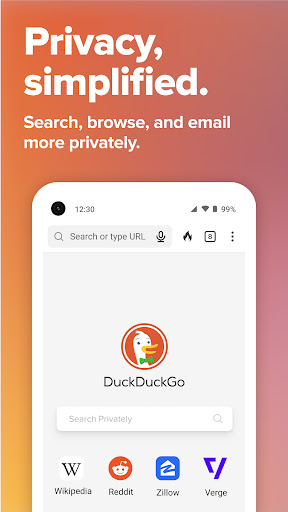
💼 If you want privacy-first browsing without extra setup, DuckDuckGo Private Browser gives you a built-in search engine designed to reduce tracking from the start.
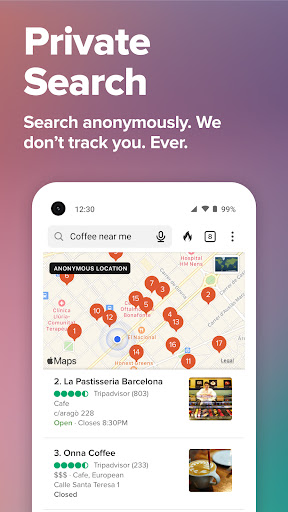
🔎 Your searches run through DuckDuckGo Search, which aims to prevent your queries from being tracked, compared to many ad-driven browser experiences.
🧠 When you use Duck.ai, you can chat privately with third-party AI models while DuckDuckGo says your data is anonymized and never used to train AI.
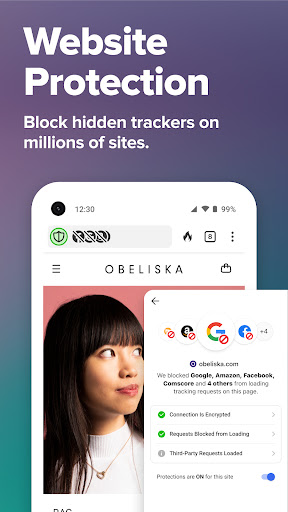
🛡️ For routine protection, the browser blocks invasive web ads and cookie pop-ups, reducing distractions and limiting how much third parties can collect about you.
📜 For browsing history protection, it uses third-party tracker loading protection to stop many trackers before they load, exceeding default protections many people get elsewhere.
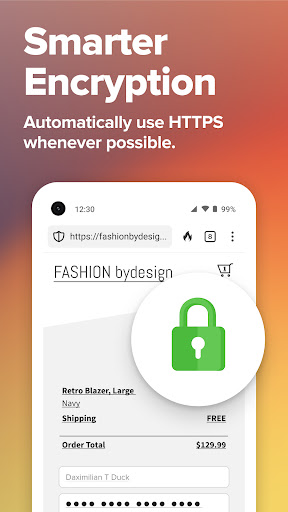
🔐 Encryption is handled automatically by pushing many sites toward HTTPS, helping protect you from network and Wi‑Fi snoopers.
🧩 The browser also helps reduce fingerprinting by making it harder to combine device and browser signals into a unique identifier.
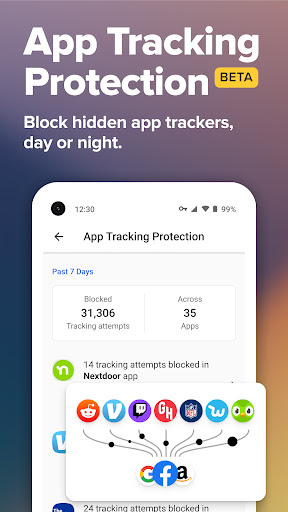
📱 In addition to web browsing, it includes app tracking protection for other apps that may try to track behavior using hidden trackers, with the caveat that it uses a VPN-like connection while not functioning as a traditional VPN.
🧾 If you subscribe, the app expands into identity-focused and enterprise-ready privacy utilities, including personal information removal and identity theft restoration.
Pros of DuckDuckGo Private Browser App
✅ High-trust privacy for finance and fintech users: built-in search with reduced tracking supports sensitive research, from banking topics to personal finance decisions.
✅ Strong ad and cookie suppression: it blocks most video ads and cookie pop-ups, which helps prevent targeted ad journeys fueled by behavioral profiling.
✅ Enterprise-grade protective design for everyday browsing: third-party tracker loading protection targets trackers before they render, helping deliver a cleaner, less monitored experience.
🧠 Private AI conversations without training: Duck.ai is positioned for secure, privacy-respecting chat workflows, which matters for teams and individuals using AI for planning or support.
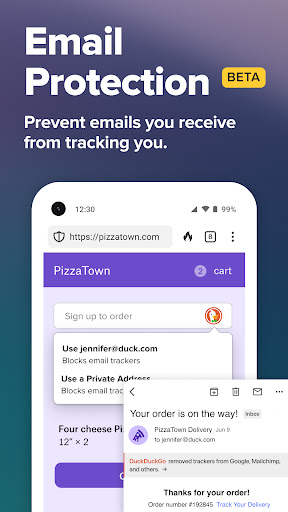
🛡️ Email privacy for account security: optional Email Protection blocks many email trackers and can hide your address with @duck.com routing.
🔗 Encryption enforcement: HTTPS automation reduces exposure to network-level snooping, which is useful on public Wi‑Fi and in travel-heavy routines.
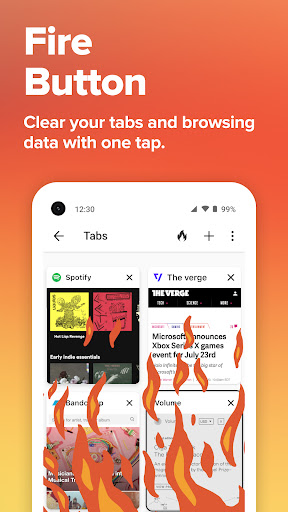
🧾 Data-minimizing browsing behaviors: fire-button style clearing supports quick cleanup of tabs and browsing data when you need a fast reset.
🧿 Lower risk from fingerprinting: fingerprinting defenses aim to make device and browser identification harder to correlate across sessions.
📊 Optional encrypted sync: encrypted bookmarks and password sync can appeal to SaaS professionals managing credentials across devices.
Cons of DuckDuckGo Private Browser App
⚠️ Potential limitations around ad and click contexts: privacy protections can introduce restrictions after certain search ad interactions, so results may feel slightly different than mainstream engines.
⚠️ Feature value depends on subscription and setup: advanced capabilities like secure connection across devices, deeper removal services, and restoration are tied to the subscription plan.
⚠️ VPN-like behavior in App Tracking Protection: the privacy feature for other apps uses a VPN connection, which may require adjustment if you already use a VPN or have enterprise network rules.
🔍 AI availability and performance can vary: Duck.ai uses third-party models, so response style, complexity, and availability may depend on model behavior and request conditions.
🍪 Some sites may behave differently: cookie and tracking reductions can cause occasional friction with personalization flows or account experiences.
🧩 Sync and password workflows require trust in your ecosystem: encrypted sync helps, but you must manage your devices carefully to avoid account access problems.
🧑💻 Not a complete replacement for every browser need: certain power-user extensions and niche workflows may be harder to replicate compared with more extension-heavy ecosystems.
Summary
🌍 DuckDuckGo Private Browser stands out by treating privacy as a default product behavior, not an add-on, which makes it attractive to people who research sensitive topics or manage multiple online accounts.
💳 For subscribers focused on payments, identity, and account security, the subscription bundle adds higher-value options like secure connection, AI for complex tasks, and personal information removal.
🏦 The combination of search-by-default protection, aggressive tracker blocking, and HTTPS enforcement supports a more controlled browsing environment, particularly helpful for finance-minded users.
🧾 If you want a straightforward browser that reduces data collection, blocks invasive ads and cookie pop-ups, and supports quick clearing, this app aligns well with modern privacy expectations.
📌 For teams and professionals considering privacy-aware tools, its app tracking protection and local device approach are compelling, especially when you want fewer third-party intrusions without constant manual tuning.
🚀 Overall, it feels like a practical privacy browser for everyday work and personal life, with optional upgrades that target higher-stakes privacy risks like identity theft and long-term data exposure.
How to Download the DuckDuckGo Private Browser App
⬇️ You can download DuckDuckGo Private Browser from the official DuckDuckGo website, where the app is offered for new installs and updates.
🗺️ Visit DuckDuckGo’s site and choose the appropriate download option for your device to get started quickly with privacy-first browsing.
🔐 After installation, open the browser to begin using built-in search, tracking protections, and ad blocking right away, without needing extra configuration.
📱 If you want expanded benefits, review the subscription options directly inside the app, including secure connection across devices and advanced AI features.
🧠 For subscription terms and privacy details, you can check the DuckDuckGo privacy and terms pages linked from the product documentation.
DuckDuckGo Private Browser
Version 5.276.0 Updated 2026/04/13


